














Introduction
Applying ReadyLaunch styling to your BuddyBoss pages creates a cohesive, branded look across key areas of your site. With ReadyLaunch, you can easily enable ReadyLaunch styling on important pages like login, registration, and courses, ensuring a consistent experience for all members.
Enable ReadyLaunch Styling
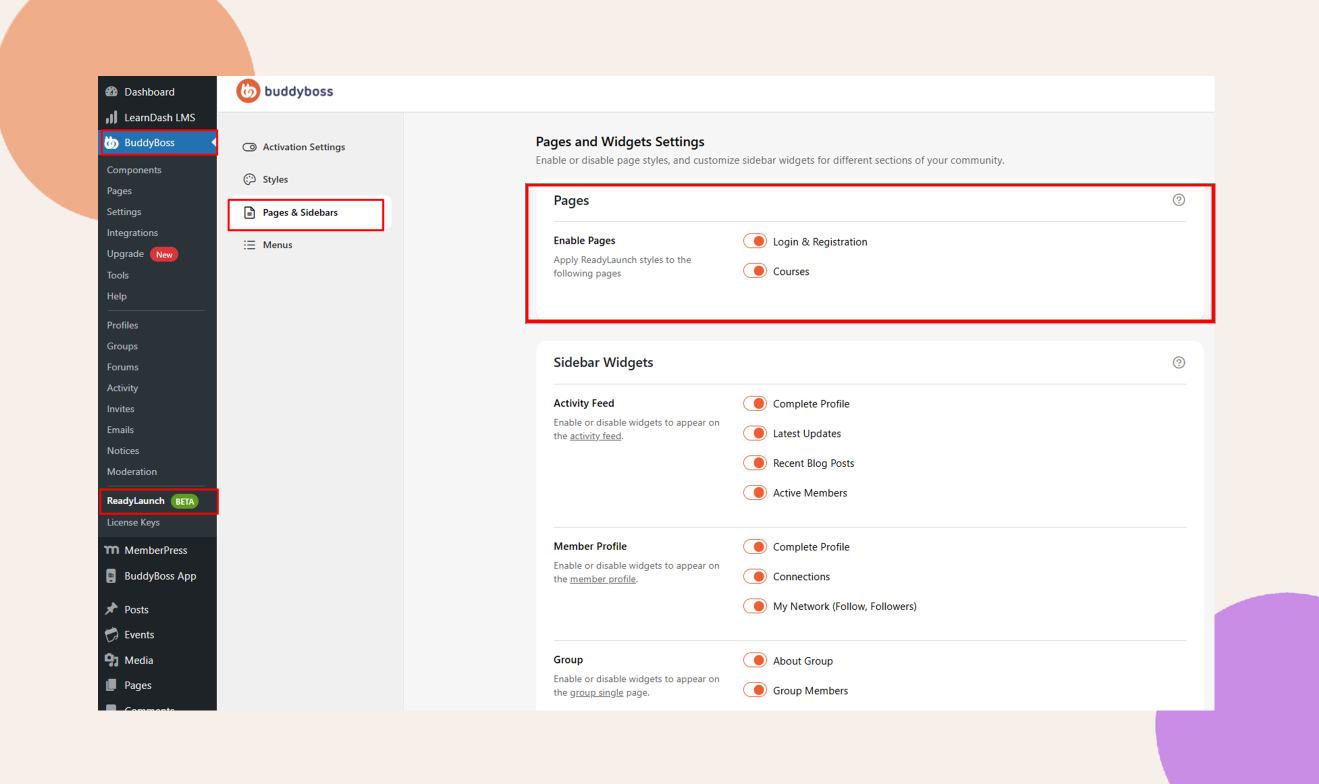
- In your Dashboard, navigate to ReadyLaunch > Pages & Sidebars > Pages.
- Locate the page(s) you want to style (for example, Login & Registration or Courses).
- Toggle Enable Pages on for each selected page.
Note: When ReadyLaunch is enabled, supported BuddyBoss Membership-related pages automatically use the ReadyLaunch styling. No additional page template configuration is required.