














Introduction
If you’ve installed the BuddyBoss Platform but don’t see its specific menu items—such as Components, Tools, or Profile Fields—under Appearance > Menus > Add menu items, they’ve been hidden via WordPress’s Screen Options. Restoring them takes just a few clicks and no coding.
Steps to Enable Missing BuddyBoss Menus
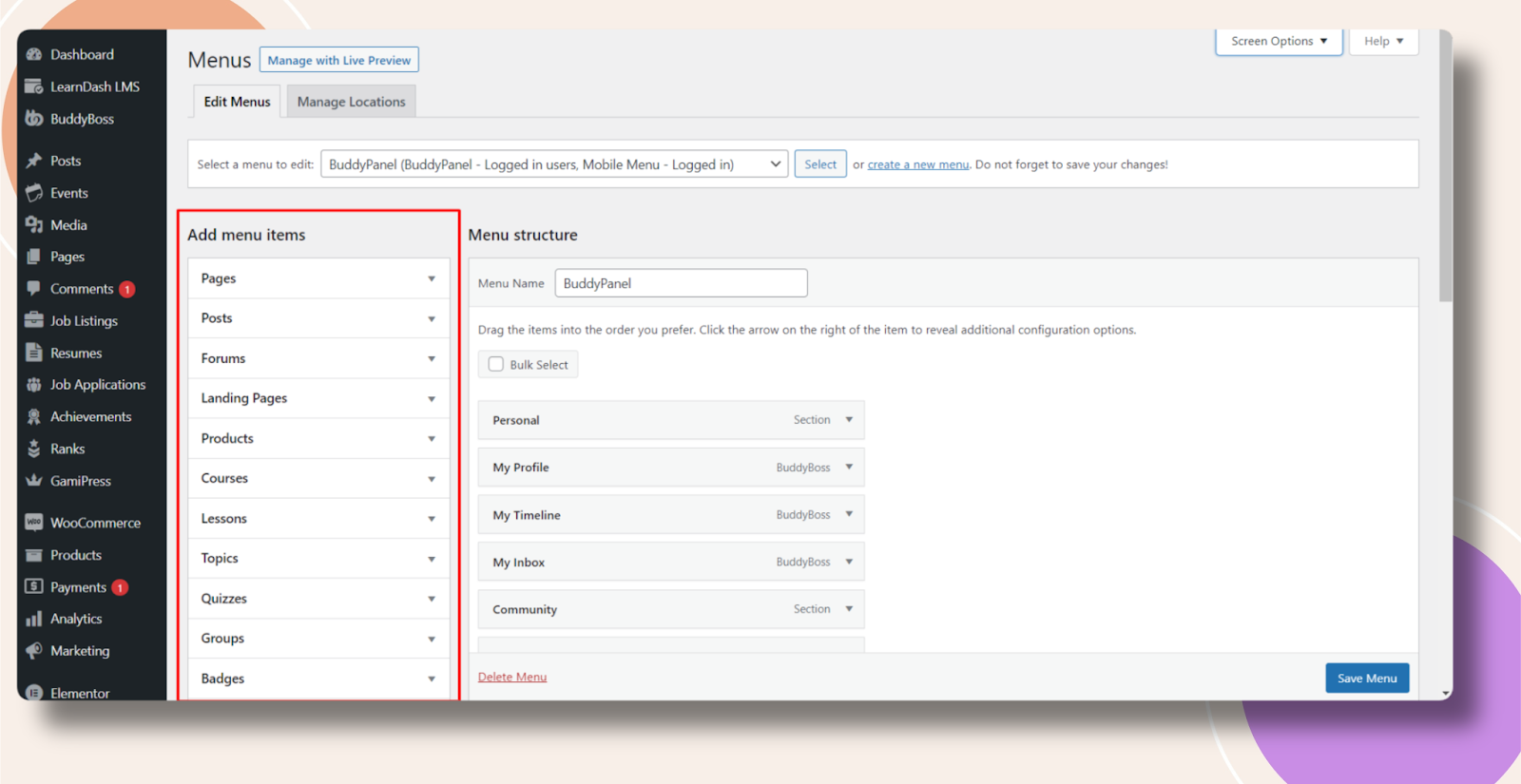
- In your WordPress admin, navigate to Appearance > Menus.
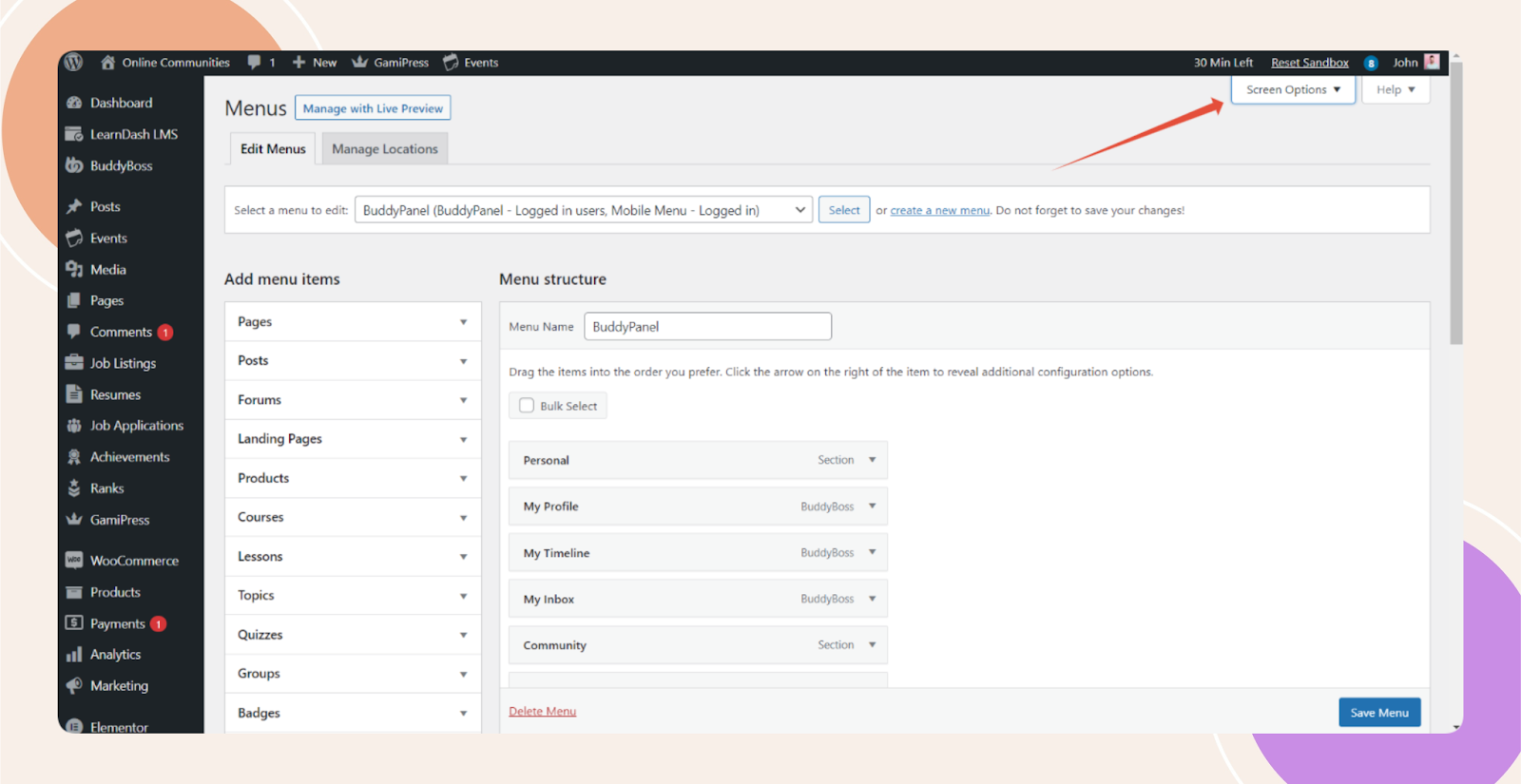
- Click the Screen Options tab in the upper right corner of the Menus page.
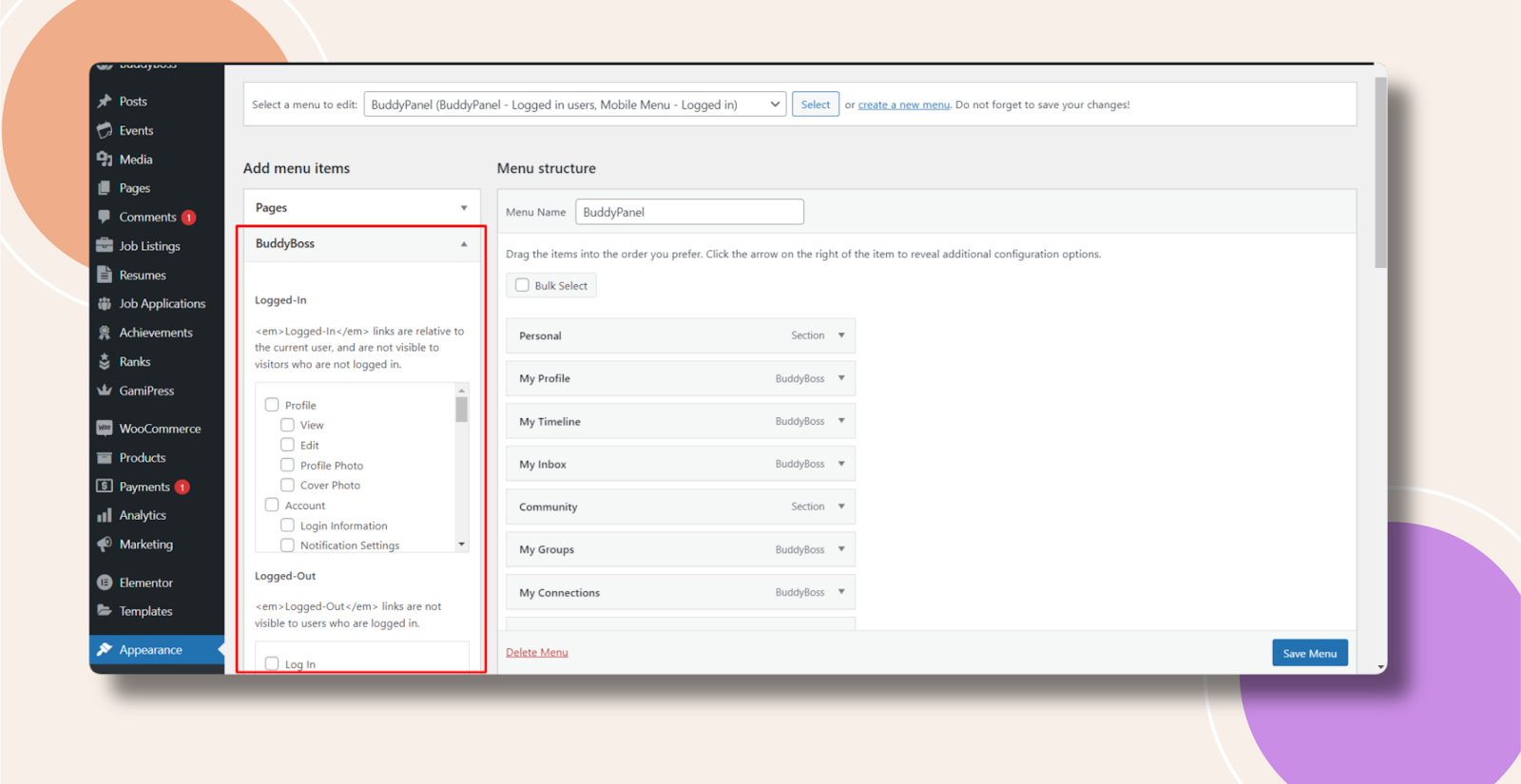
- In the Screen Options panel, check the boxes next to any BuddyBoss sections you want visible—such as Components, BuddyBoss Pages, Profile Fields, or Activity Pages.

- Close the Screen Options panel. The BuddyBoss-related items will now appear under Add menu items in your menu builder.
Troubleshooting and FAQs
Q: I don’t see the “Screen Options” tab—what should I do?
A: Ensure you’re logged in with an Administrator or Super Admin role; only those accounts can toggle Screen Options.
Q: I enabled the items but my menu won’t save—what’s wrong?
A: Click Save Menu after adding or rearranging items. If you use a caching plugin, clear its cache to ensure changes persist.
Q: Can I hide these BuddyBoss items again later?
A: Yes—open Screen Options and uncheck the BuddyBoss sections you wish to hide.