














Introduction
By default, BuddyBoss inserts a horizontal divider immediately above the Log Out link in the built-in profile dropdown menu, improving visual separation. This separator only appears when you’re using the default profile dropdown. If you’ve implemented a custom dropdown via code or a third-party plugin, you’ll need to add the divider manually in your template or component override.
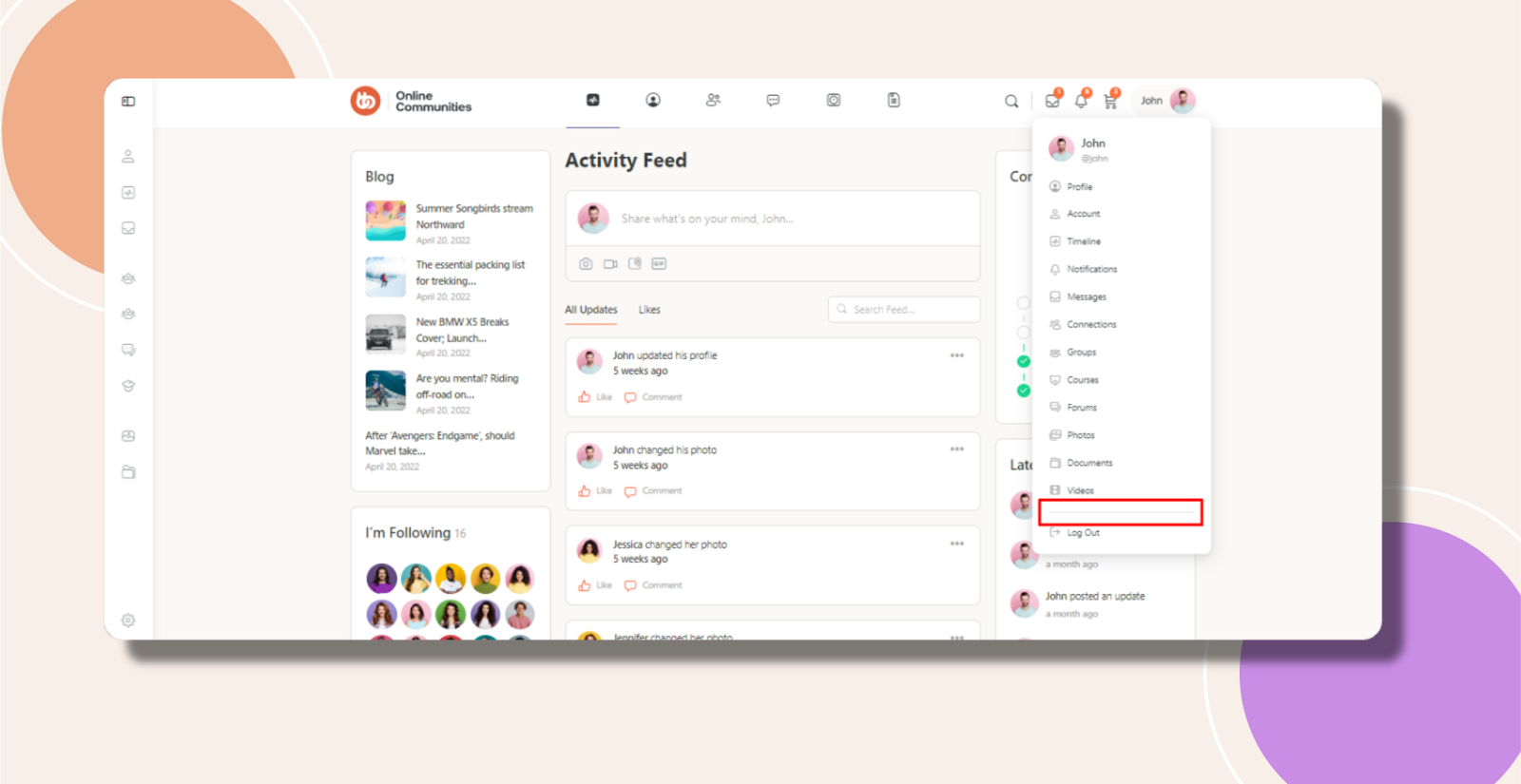
Default vs. Custom Dropdowns
Default Profile Dropdown
Automatically includes the horizontal <hr> before “Log Out”. No additional configuration is needed.
Custom Profile Dropdown
If you’ve replaced the default markup (for example, in a child theme), BuddyBoss cannot inject the separator. You must insert an <hr> (or equivalent CSS border) in your custom template at the desired location.
Troubleshooting and FAQs
Q: I’m using the default dropdown but don’t see the horizontal line—why?
A:
- Ensure you haven’t overridden the dropdown.php template in your child theme. If so, merge the separator markup from the original.
- Clear any caching layers (object cache, page cache, browser cache) and reload the page.