Introduction
The Rank Math is a ground-breaking, free SEO plugin made to help you boost your Google ranking and attract more traffic. This easy-to-use, feature-rich tool allows you to optimize your posts like a professional. Thanks to its clean, intuitive interface, modular framework it’s built on and friendly support team, anyone can easily get better Google results.
Rank Math automates your WordPress SEO and allows you to improve every aspect of your page optimization. The plugin integrates with LSI Keyword Tool and Google Search Console and covers everything from Google keyword ranking, 40 detailed SEO tests, and smart redirection manager to internal linking suggestions, and 404 error monitor.
Rank Math integrates with the BuddyBoss theme and allows you to optimize your posts so you can improve your Google ranking, reach a broader audience and attract more traffic.
Installing the plugin
To install the plugin:
- Download the Rank Math SEO plugin from the link below
https://wordpress.org/plugins/seo-by-rank-math/ - Extract the downloaded seo-by-rank-math.zip file to the WordPress plugins folder yourhostname/wordpress/wp-content/plugins
OR
Go to your WordPress Dashboard > Plugins > Add New. Click the Upload Plugin button. Browse to the download file location, select the seo-by-rank-math.zip & install the plugin. - Click the Activate Plugin button to activate the Rank Math SEO plugin on your website. OR
To activate the plugin on your website site go to WordPress Dashboard > Plugins and then click the Activate button for Rank Math SEO.
Setting up the plugin
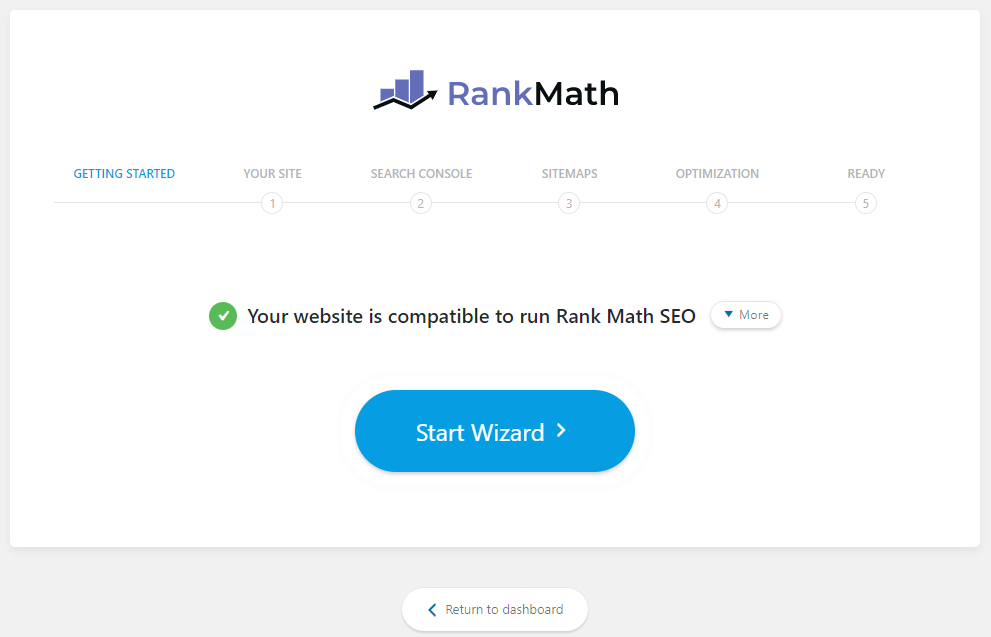
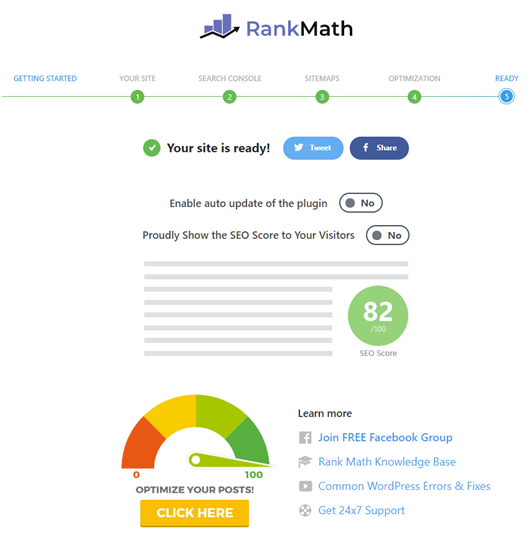
To set up the plugin, follow the instructions in the setup wizard.