














Introduction
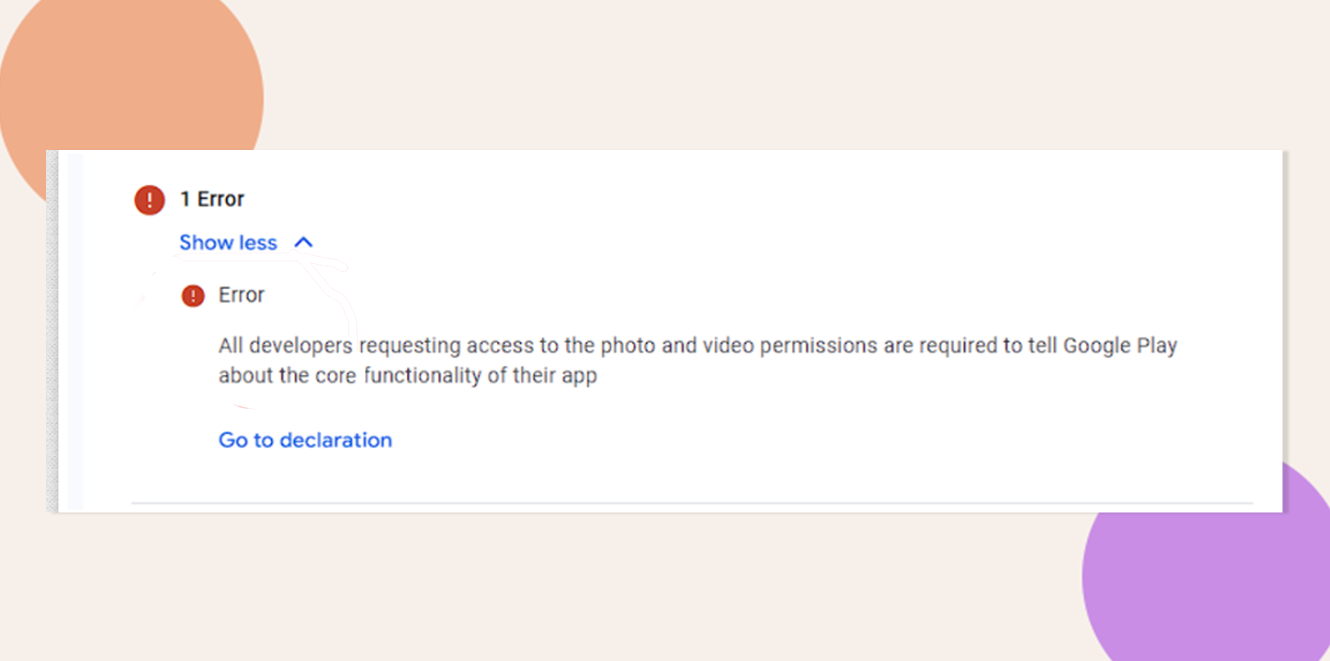
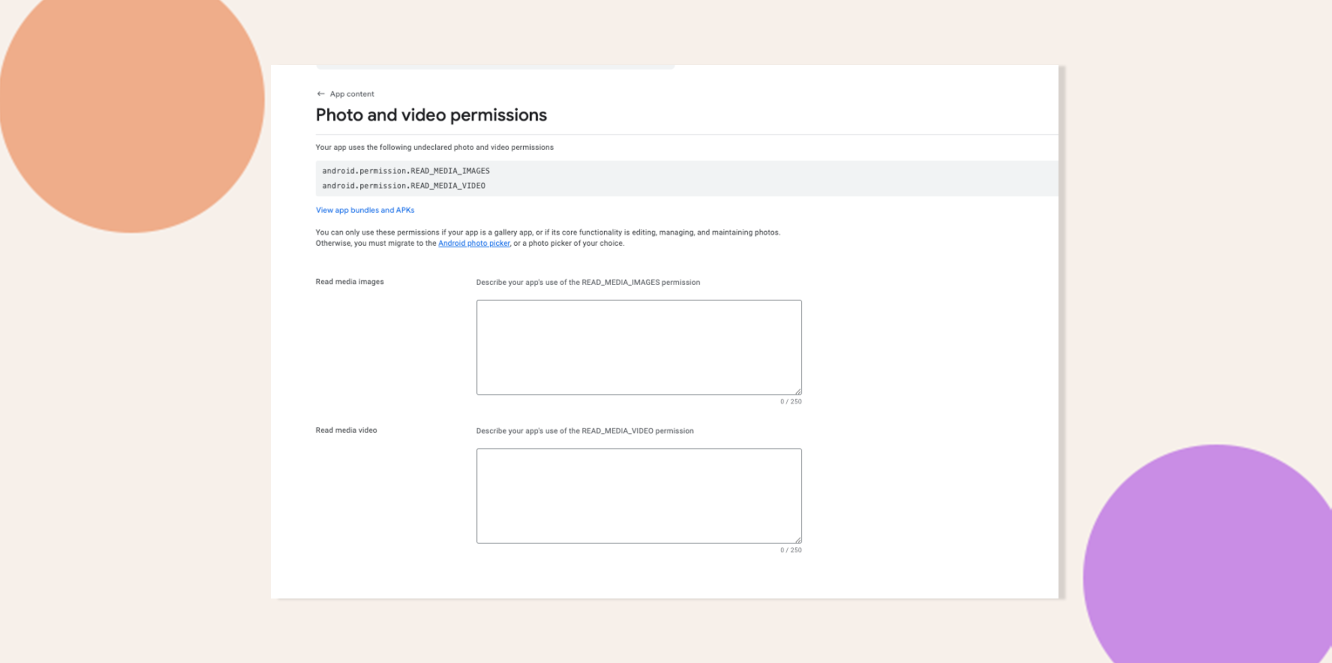
Apps requesting photo and video permissions must declare their core functionality to Google Play.
Sample Warnings for undeclared permissions
android.permission.READ_MEDIA_IMAGES
android.permission.READ_MEDIA_VIDEO
Explore BuddyBoss Platform | BuddyBoss App | BuddyBoss Pricing | Try BuddyBoss Demo

Eliminate Photo and Video Permission Warnings
- In your WordPress admin dashboard, update the BuddyBoss App plugin to BuddyBoss App v2.4.30 Update (or later).
- Generate a fresh Android release build (APK/AAB) with the updated plugin.
- In Google Play Console, upload this build to each of your active tracks (Internal, Closed, Open, Production).
- Click Save in each track to apply changes and clear the warning messages.
Troubleshooting and FAQs
Q: The warning is still showing after I’ve updated and uploaded. What now?
A: Ensure the build you uploaded indeed uses BuddyBoss App v2.4.30+. Clear any build/output caches and re-upload the correct artifact.
Q: How can I confirm my plugin version?
A: In WordPress, go to Plugins > Installed Plugins. Locate BuddyBoss App and verify its version number.
Q: My app legitimately needs photo/video permissions. How do I comply?
A: Under Policy > App Content in Play Console, complete the Photo and Video Permissions declaration by describing why your app requires these permissions.
Q: Is it safe to remove permissions manually instead of updating the plugin?
A: Manual removal can lead to missing code references. Updating the plugin ensures all related settings and code are properly handled.
Explore BuddyBoss Platform | BuddyBoss App | BuddyBoss Pricing | Try BuddyBoss Demo