














Introduction
The Yoast SEO plugin helps you with your search engine optimization. The plugin can be used for any niche ranging from the bakery around the corner to a tech savvy blog, community website or online courses platform.
The plugin features include:
- Title and meta description templating for better branding and consistent snippets in the search results.
- A state-of-the-art Schema implementation helps search engines make sense of your site and increases the chance on those coveted rich results.
- The most advanced XML Sitemaps functionality at the push of a button.
- Full control over your site’s breadcrumbs.
- Automatically set canonical URLs to avoid duplicate content.
- SEO analysis
- Readability analysis
- Snippet preview to show how your post or page will look in the search results. Even on mobile!
- An FAQ and HowTo block for the WordPress editor so search engines know when you are serving a FAQ page or HowTo guides
The BuddyBoss Theme adapts the SEO settings seamlessly to optimize your website.
Installing the plugin
To install the plugin:
- Download the Yoast SEO plugin from the link below
https://wordpress.org/plugins/wordpress-seo/ - Extract the downloaded wordpress-seo.zip file to the WordPress plugins folder yourhostname/wordpress/wp-content/plugins OR
Go to your WordPress Dashboard > Plugins > Add New. Click the Upload Plugin button. Browse to the download file location, select the wordpress-seo.zip & install the plugin. - Click the Activate Plugin button to activate the Yoast SEO plugin on your website. OR
To activate the plugin on your website site go to WordPress Dashboard > Plugins and then click the Activate button for Yoast SEO.
Setting up the plugin
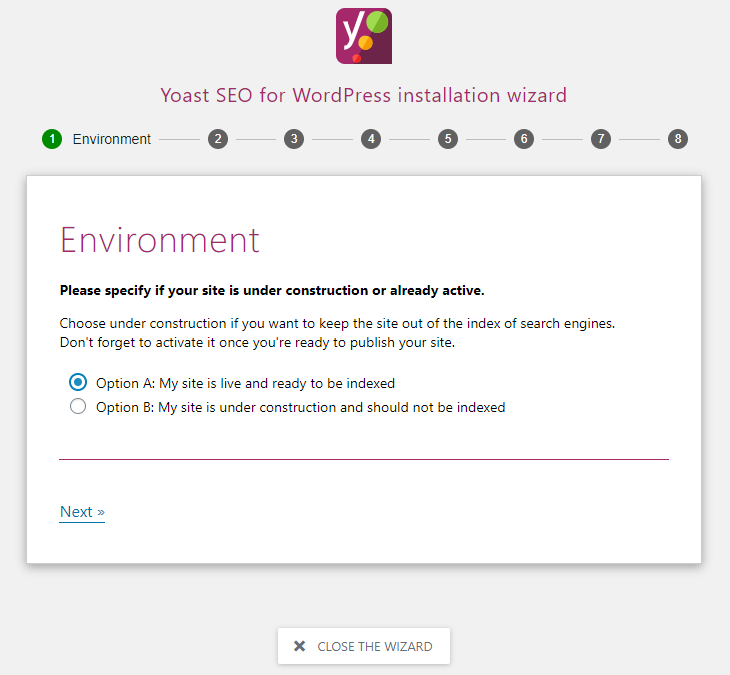
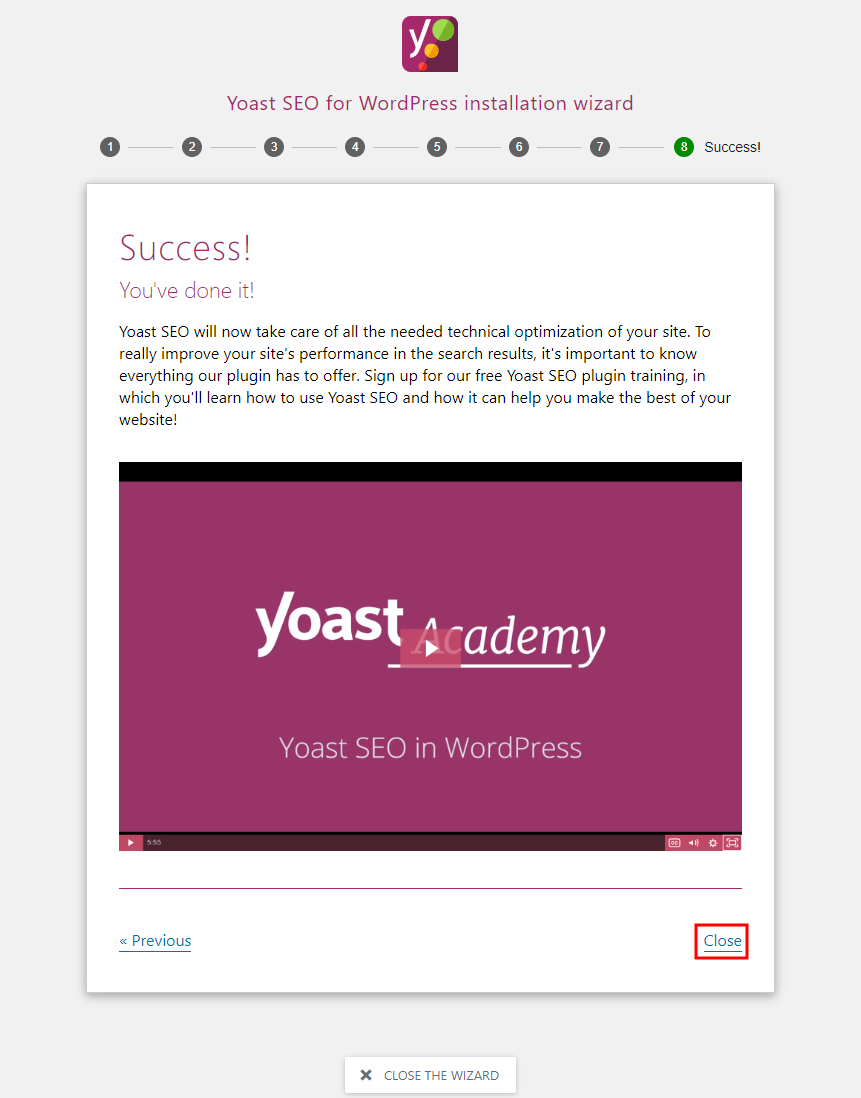
To set up the plugin, follow the instructions in the setup wizard.
For further setup and usage options, refer to official documentation of Yoast SEO.