














Like & Reactions
More than a Like on your community posts
One tap to show they care, or a row of emotions to say exactly how they feel. Run a simple Like, or up to six reactions of your choosing.

— Post Reactions
One tap, and it remembers
Every post carries a reaction button beside Comment. Once a member picks one, the button becomes that reaction, so they can see at a glance what they said.

— Comment Reactions
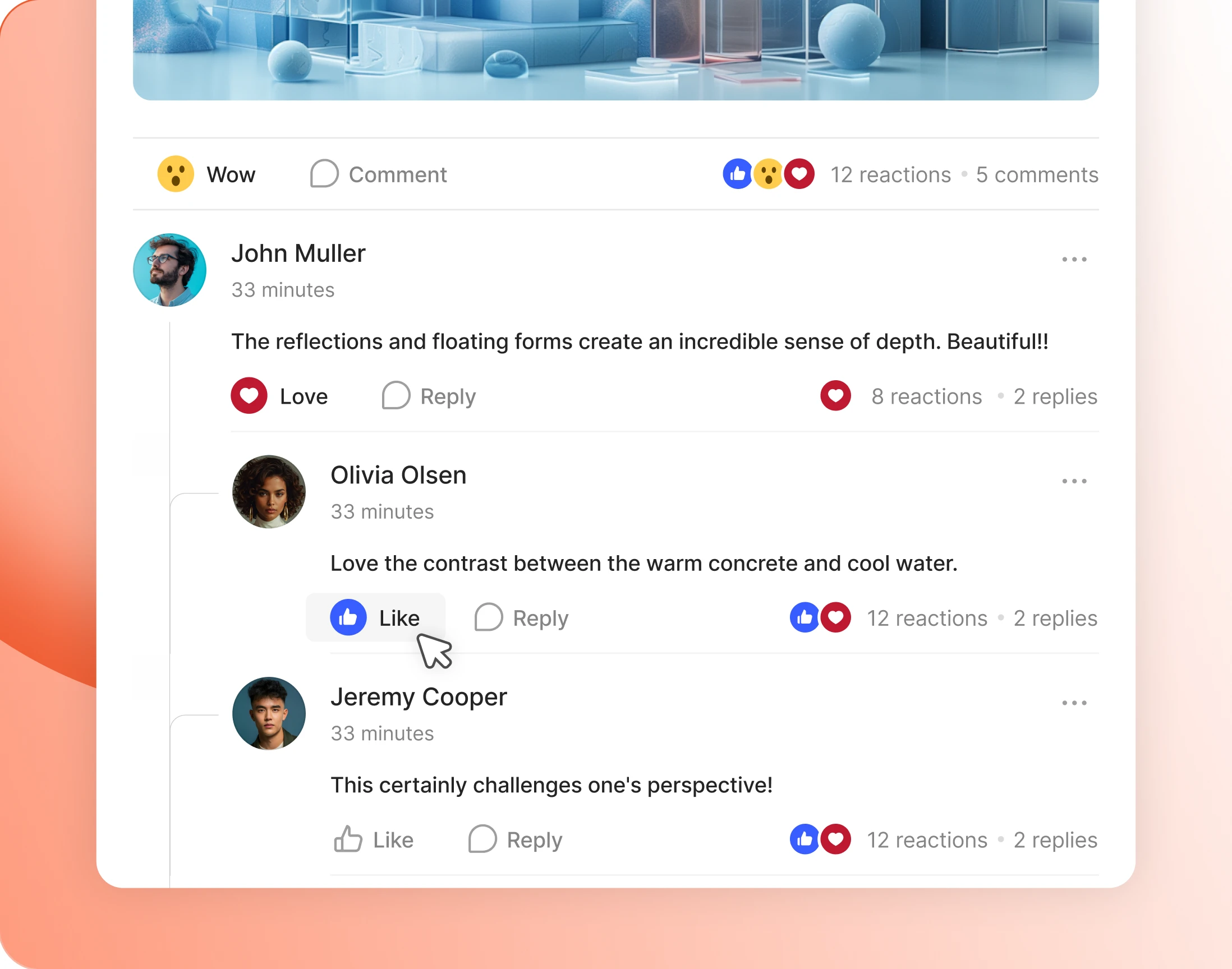
Comments carry their own reactions
Switch reactions on for comments as well as posts, or for posts alone. A reply gets agreed with in one tap instead of five replies all saying the same thing.
— Reaction Mode
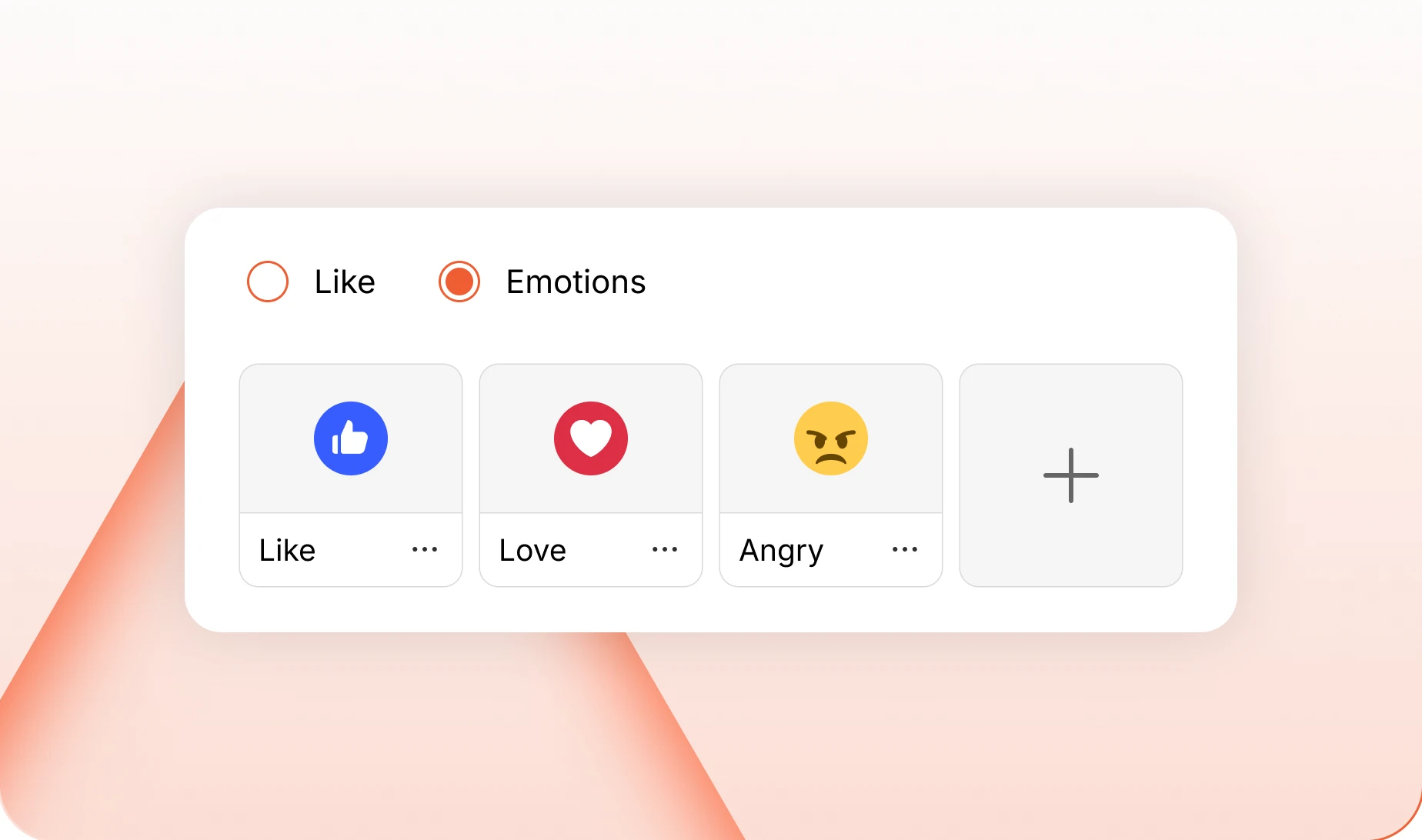
Run one simple Like, or a set of emotions
Likes mode gives every post a single button. Emotions mode gives it a row, drawn from a large library you can sort by category and cut down to what fits.
— Reaction Button
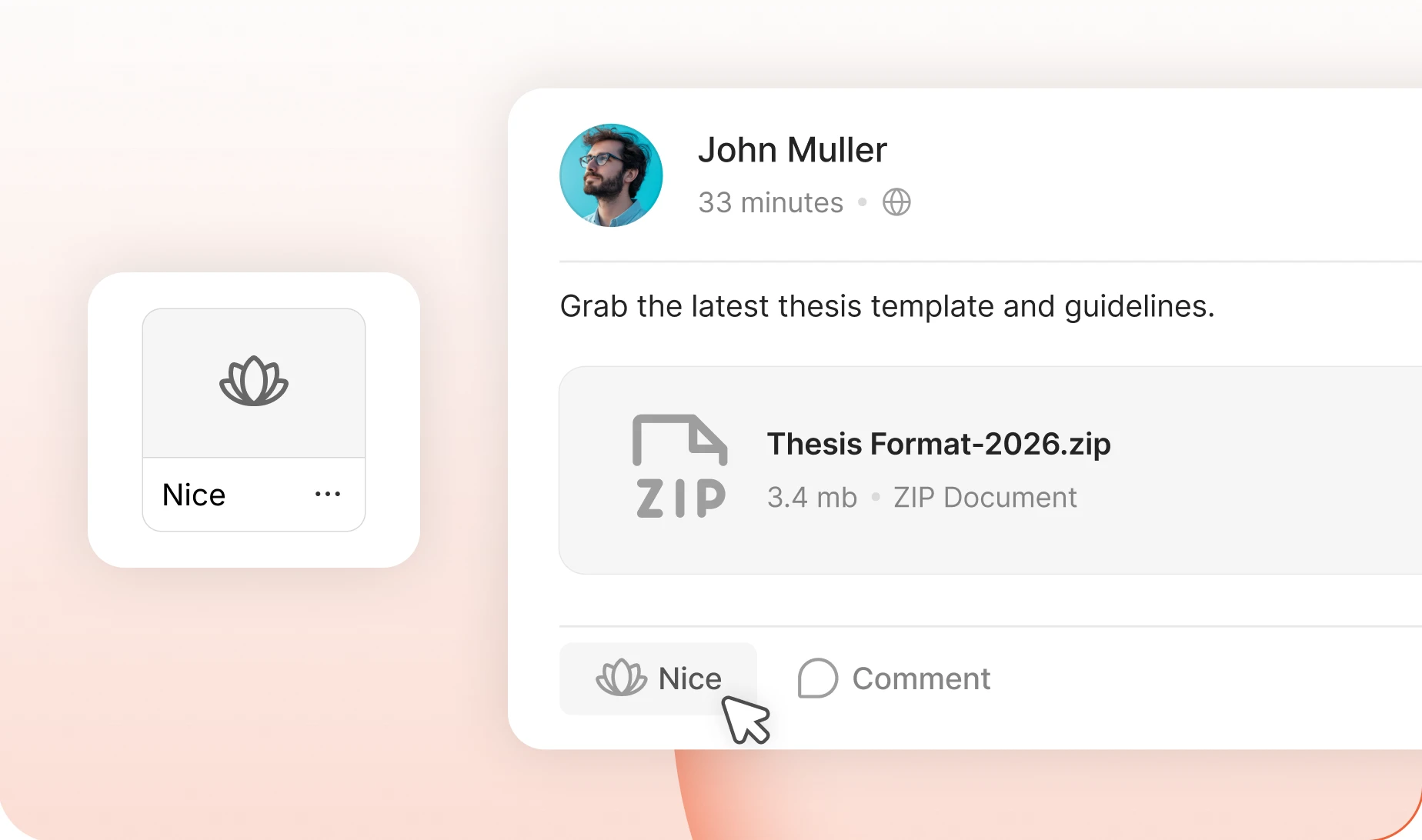
Choose the reaction that leads
Decide which reaction the button shows before anybody has used it. Leave it as a Like, or lead with whatever your community reaches for most.
— Custom Reactions
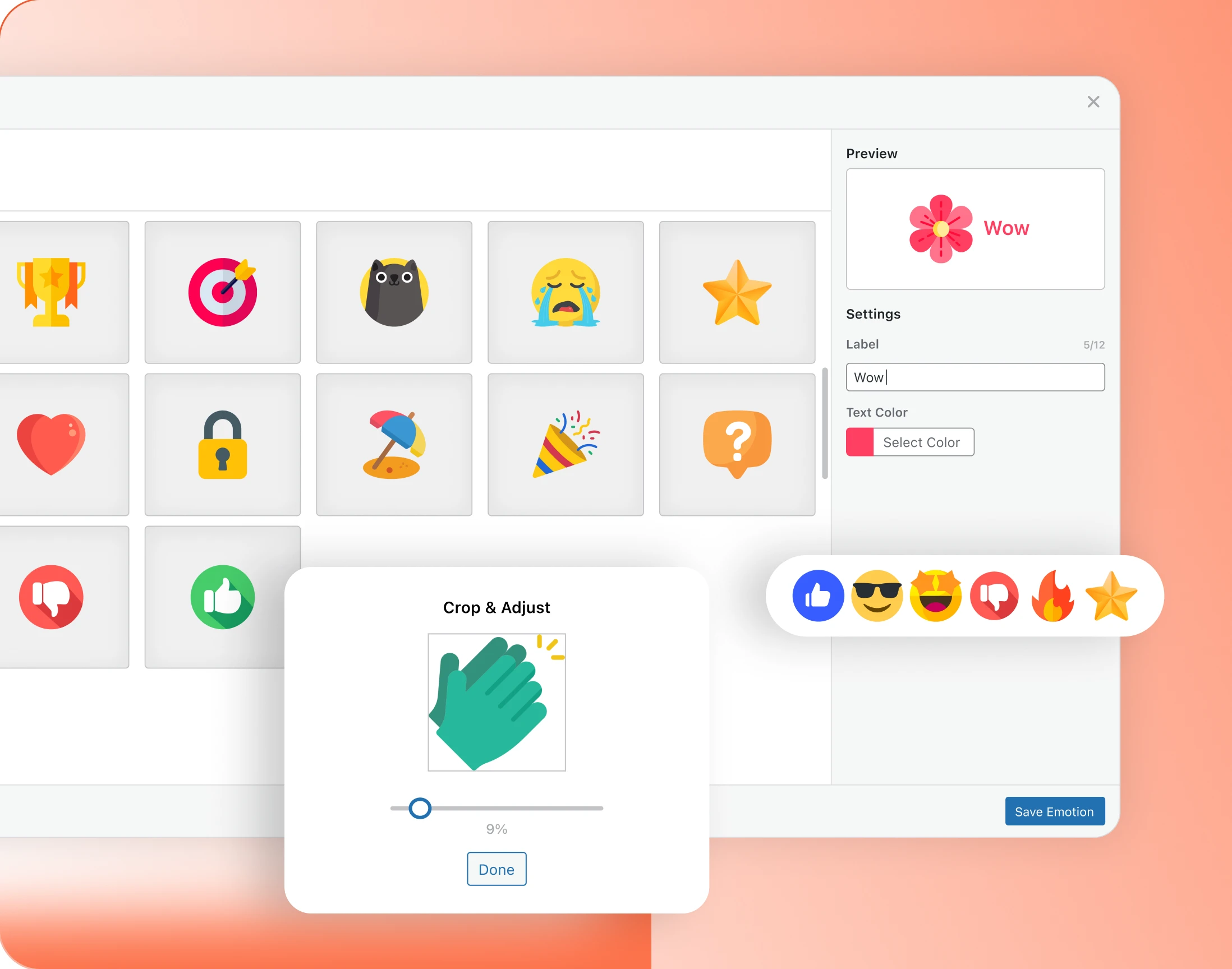
Upload your own reactions
Beyond the library there is a collection of icons, and beyond that your own upload. Give it a label and a colour, and preview it before members ever see it.
— Convert Existing Likes
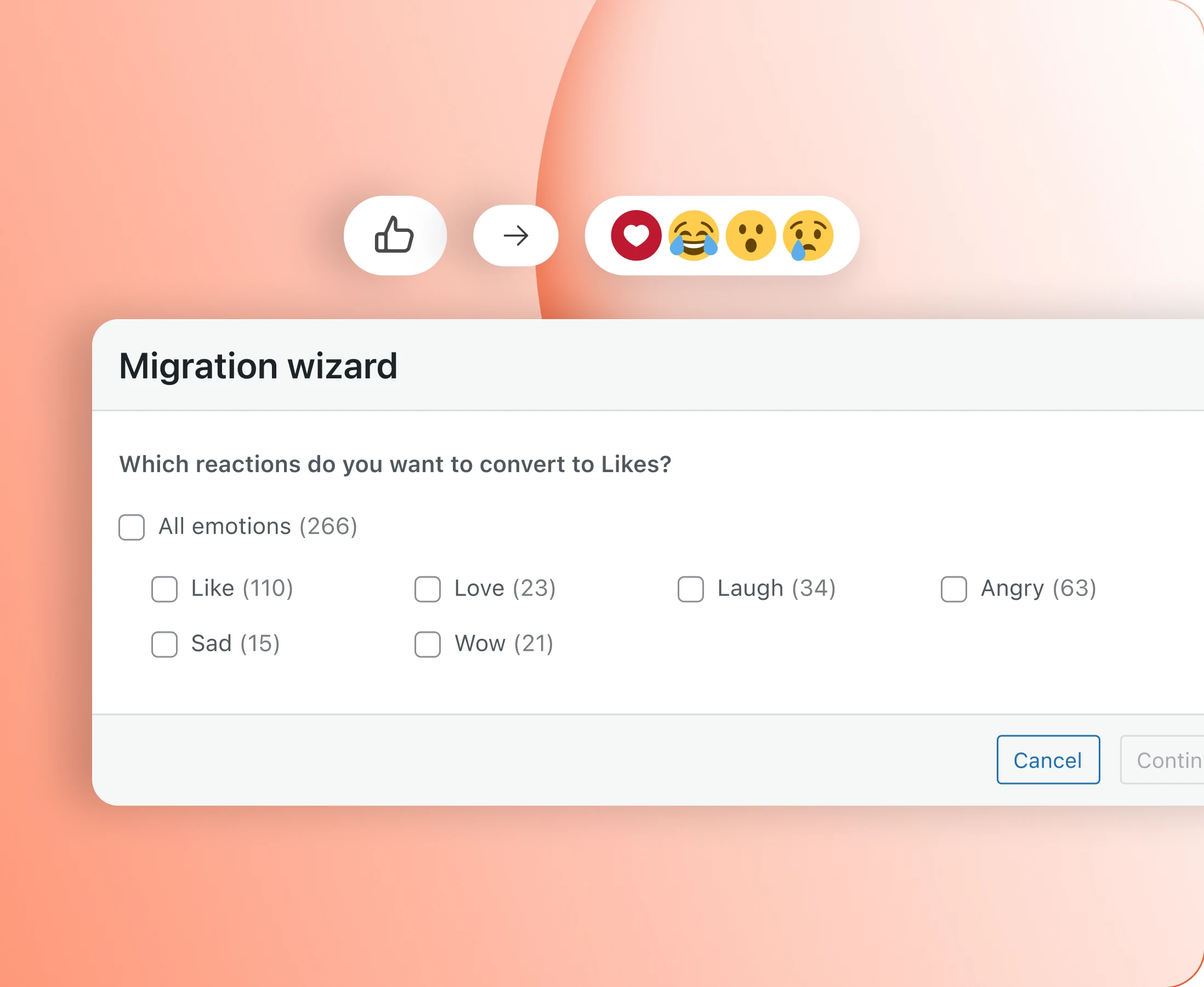
Carry existing Likes across when you change mode
Move from Likes to Emotions and everything members have already given comes with them. Rename a reaction later, or merge one into another, and the counts follow.
Trusted by more than 20,000 communities with 800+ reviews
Give members an easier way to say something
Explore more feature modules
Activity Feed
One feed that keeps your whole community talking, with polls, pins and comments.
Media Uploading
Photos, video, documents and GIFs, shared wherever the conversation is already happening.
Gamifications
Points, ranks and badges. Reactions on a post are one of the things that earn them.