














Media Uploading
Photos, videos, documents and GIFs across your community
Members share photos, video and files wherever they already are: profiles, groups, messages, forums. Albums and folders keep it tidy. You set the limits.
Uploads, albums & galleries
Files, folders & download links
GIPHY built in
Links, roles & limits
— photos & videos —
Every picture in its place
— Photos
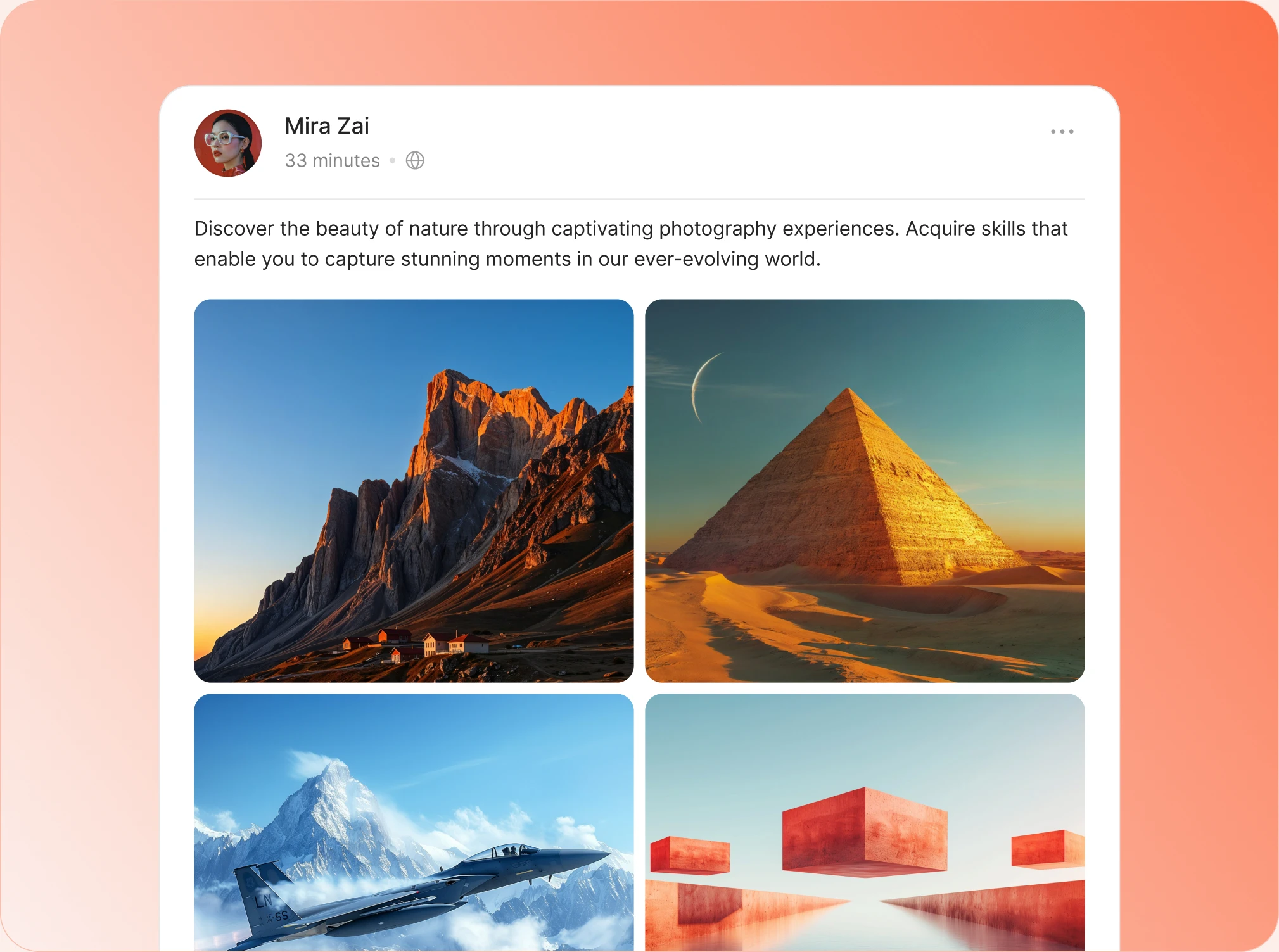
Photo uploads wherever you allow them
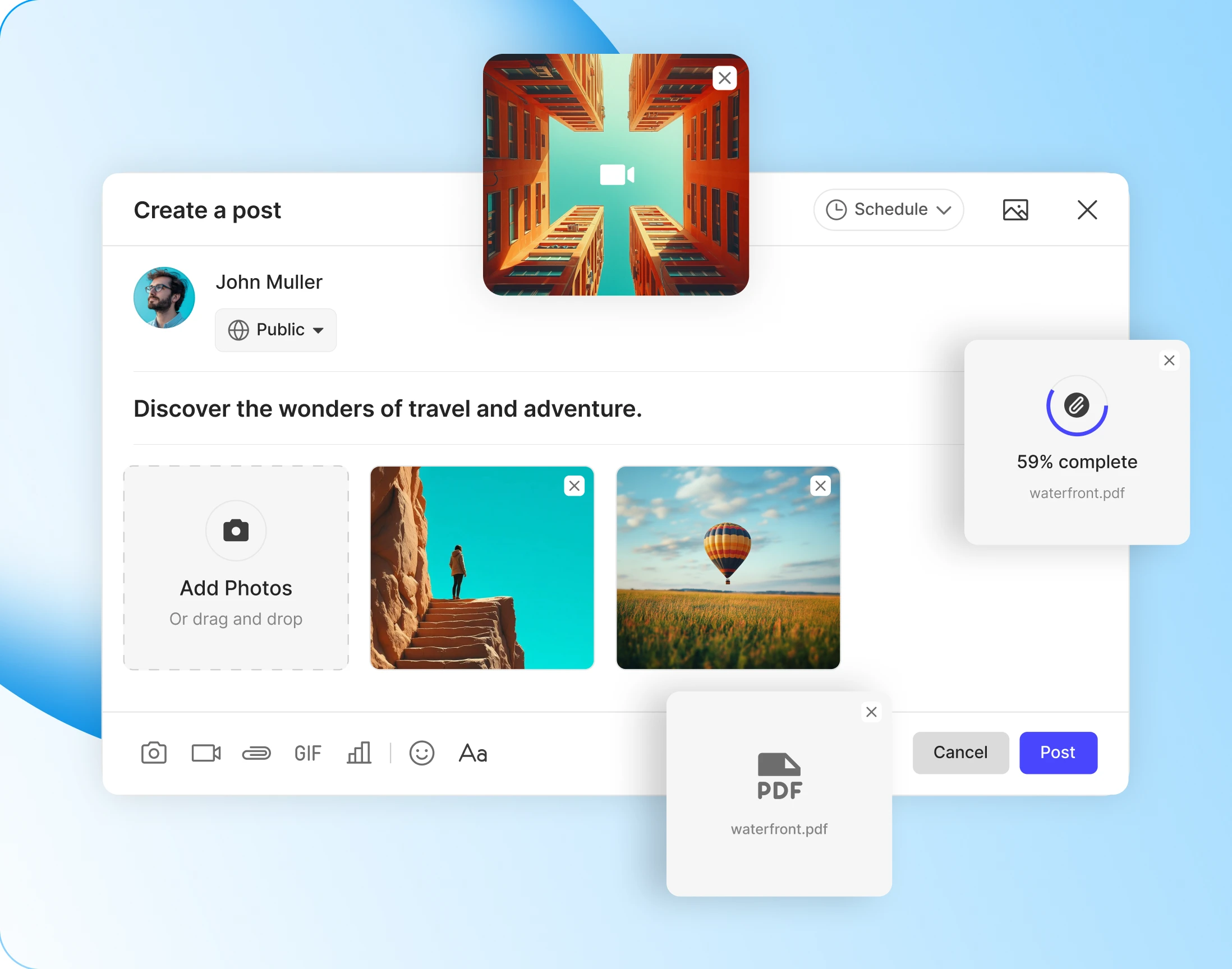
Post one photo or a dozen, and the feed lays them out for you. A pair sits side by side, a set leads with one large image and tucks the rest underneath.
- Profiles and groups: photos on a member’s timeline and inside any group
- Messages and forums: the same uploads in private chats and discussions
- Size and batch limits: cap the megabytes, and how many ride on one post

— Albums
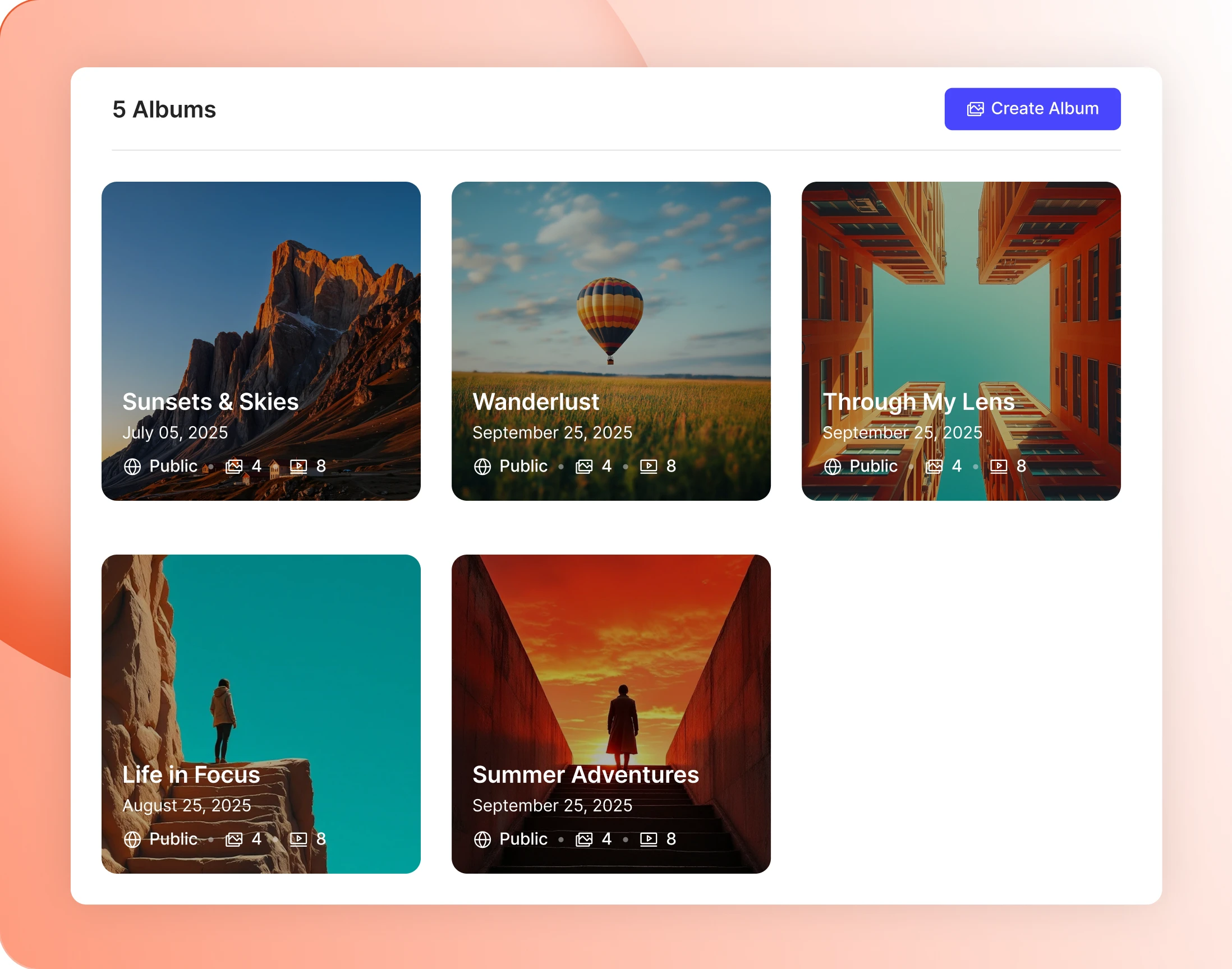
Albums members curate themselves
Members group photos into albums on their profile or inside a group, and can start a new album halfway through an upload without losing what they were doing.
— Upload Size
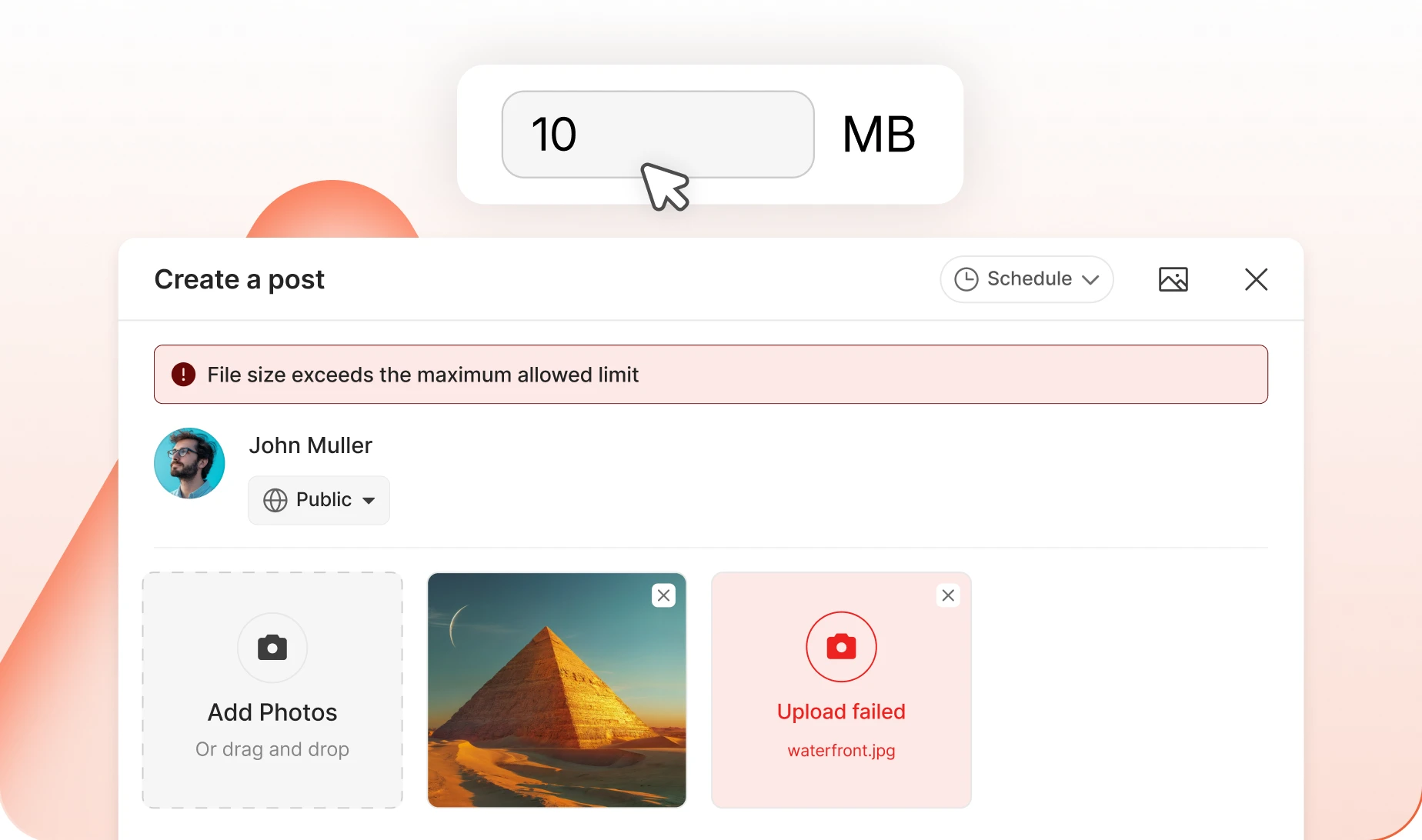
Set the ceiling, per media type
Photos, videos and documents each get their own cap in megabytes. Big enough for real work, small enough that one member cannot fill your server on a Tuesday.
— Upload Limit
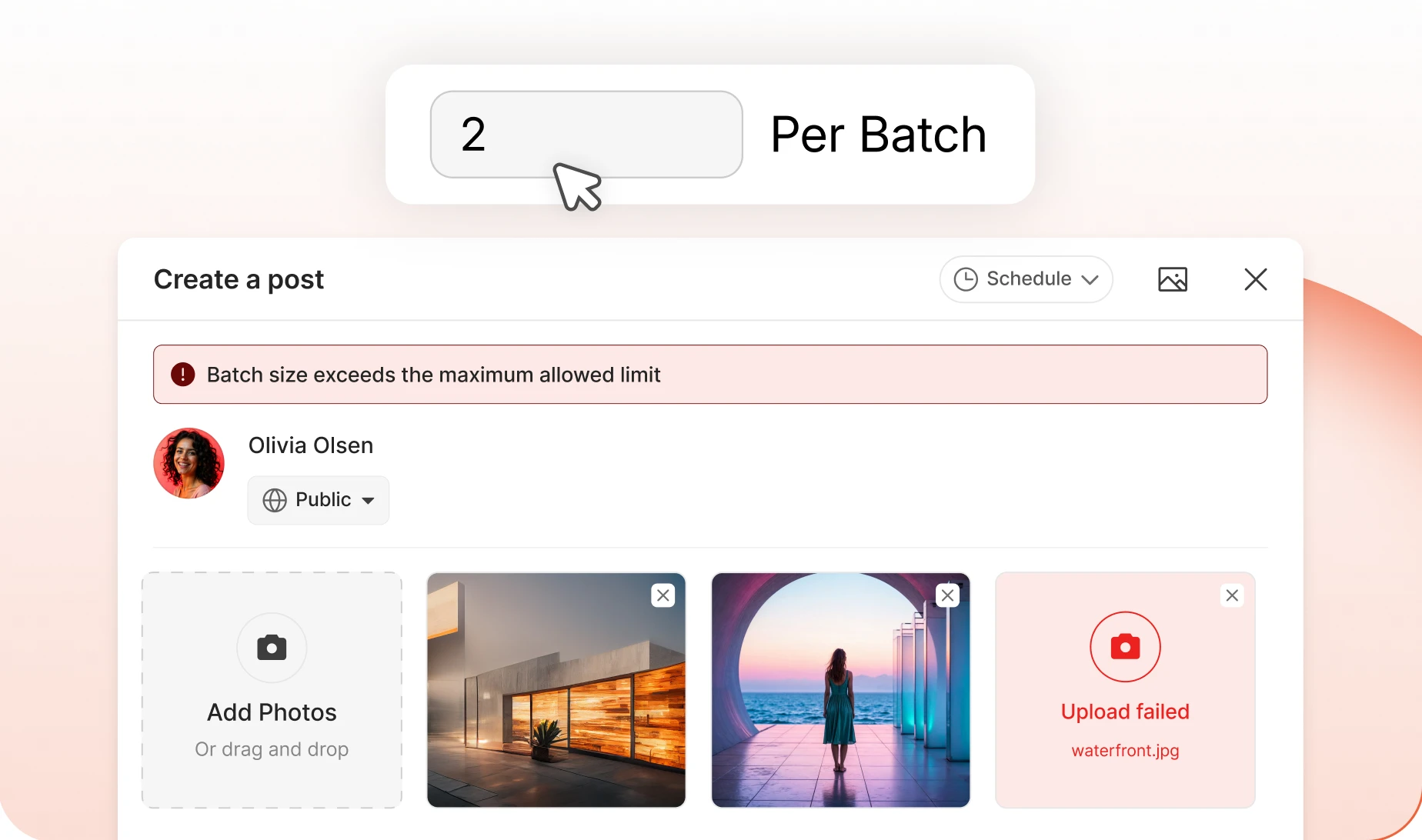
Batches, not floods
Cap how many files ride along with a single post. The composer shows everything queued up with a one-tap remove, so members edit themselves before they post.
— Videos
Native video, not a YouTube link
Members upload video straight into the composer. It plays in the thread with a duration badge, and opens full screen when somebody wants to watch properly.
- The same four places as photos: profiles, groups, messages, forums
- Formats you allow: MP4 and WebM recommended, others on request
- Plays in the thread: a duration badge, and full screen when it is tapped

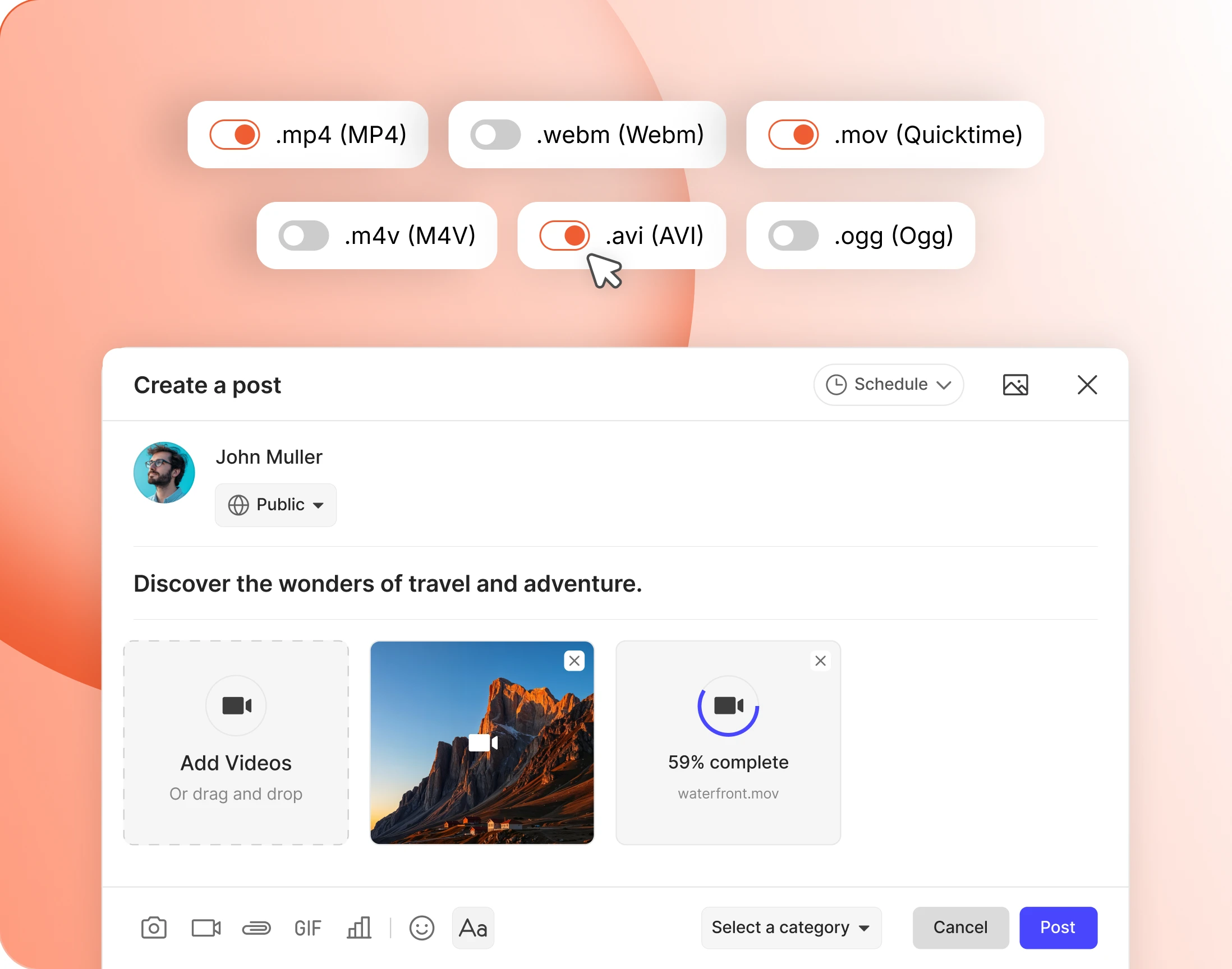
— Video File Extensions
Choose the formats you trust
Switch formats on one at a time, with MP4 and WebM recommended for speed and compatibility. Add your own extension if your community needs one nobody else does.
See the media tools in a real community
Look around a working BuddyBoss site before you decide anything. Nothing to install.
— documents —
A file system inside your community
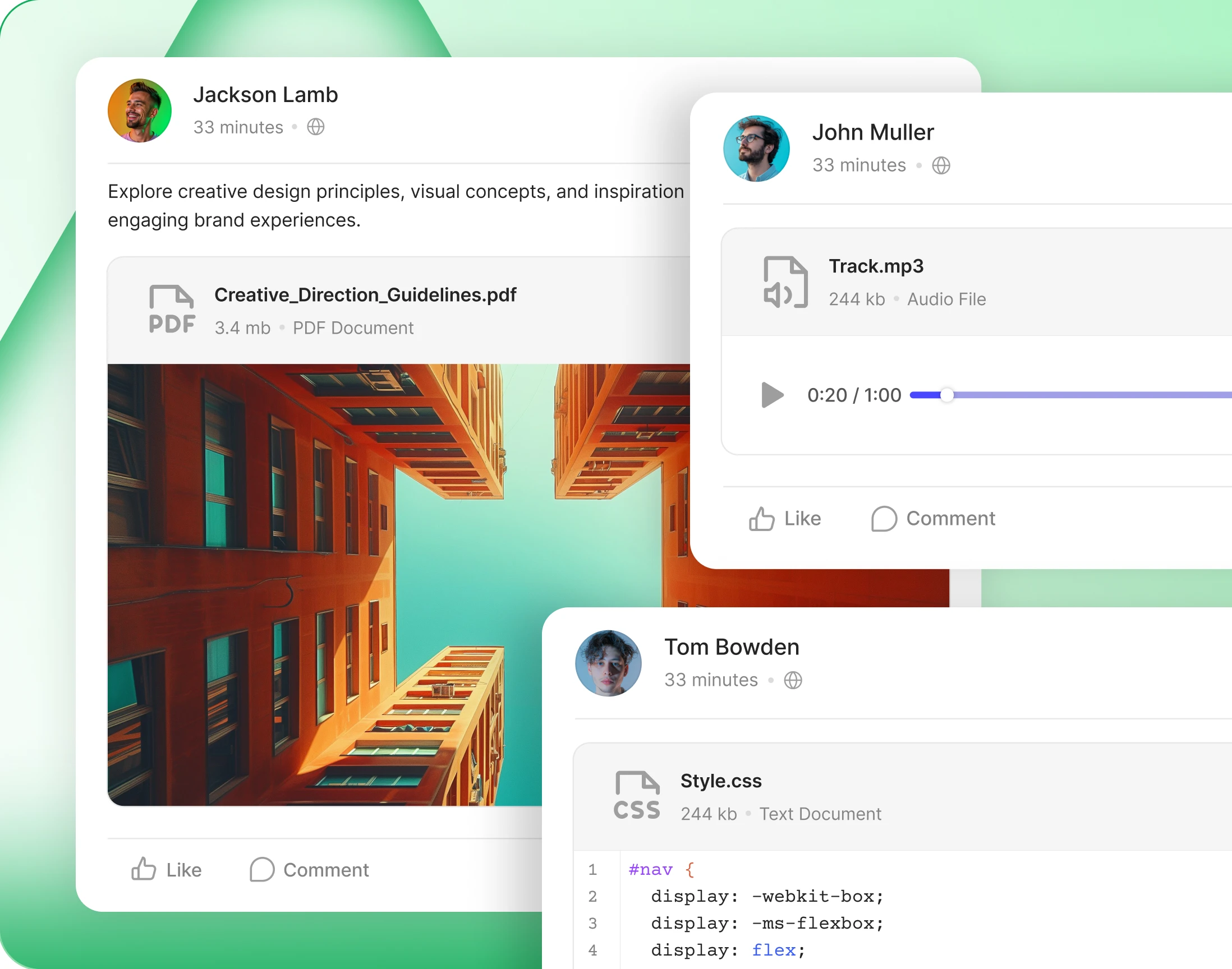
— Documents
Share files where the conversation happens
A file lands in the thread it belongs to, labelled with its name, its type and its size. Nobody downloads a mystery, and nobody goes hunting in a shared drive.
- Profiles and groups: files attached where the work is happening
- Messages and forums: send a document without leaving the conversation
- Folders: members keep their own files in an order that makes sense
- Every file labelled: name, type and size, before anyone downloads it
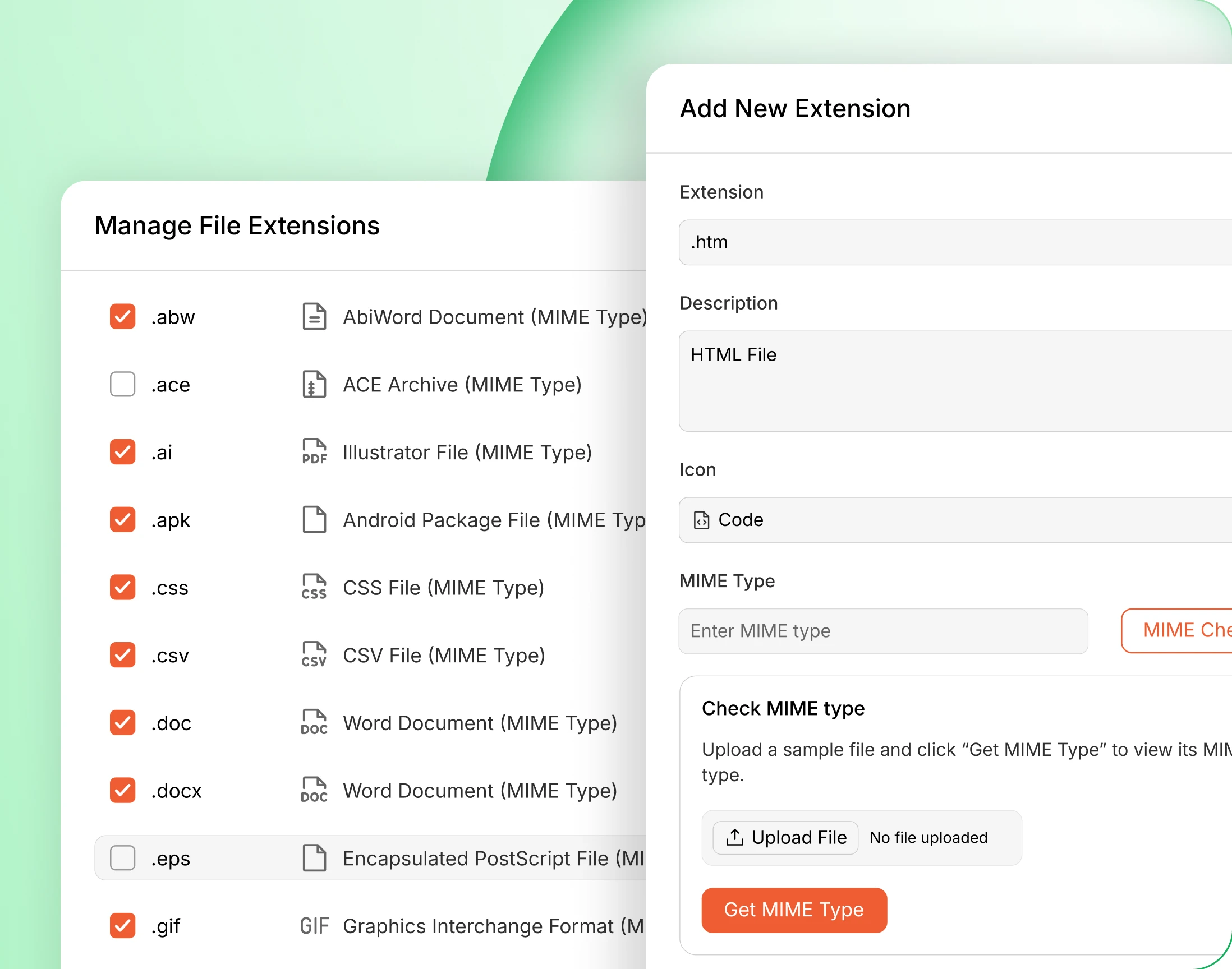
— Document File Extensions
An allowlist you control, down to the MIME type
Tick the file types you accept, or add your own with its icon and MIME type. Not sure of the MIME type? Upload a sample and the admin reads it.
— emoji & gifs —
Say it with more than words
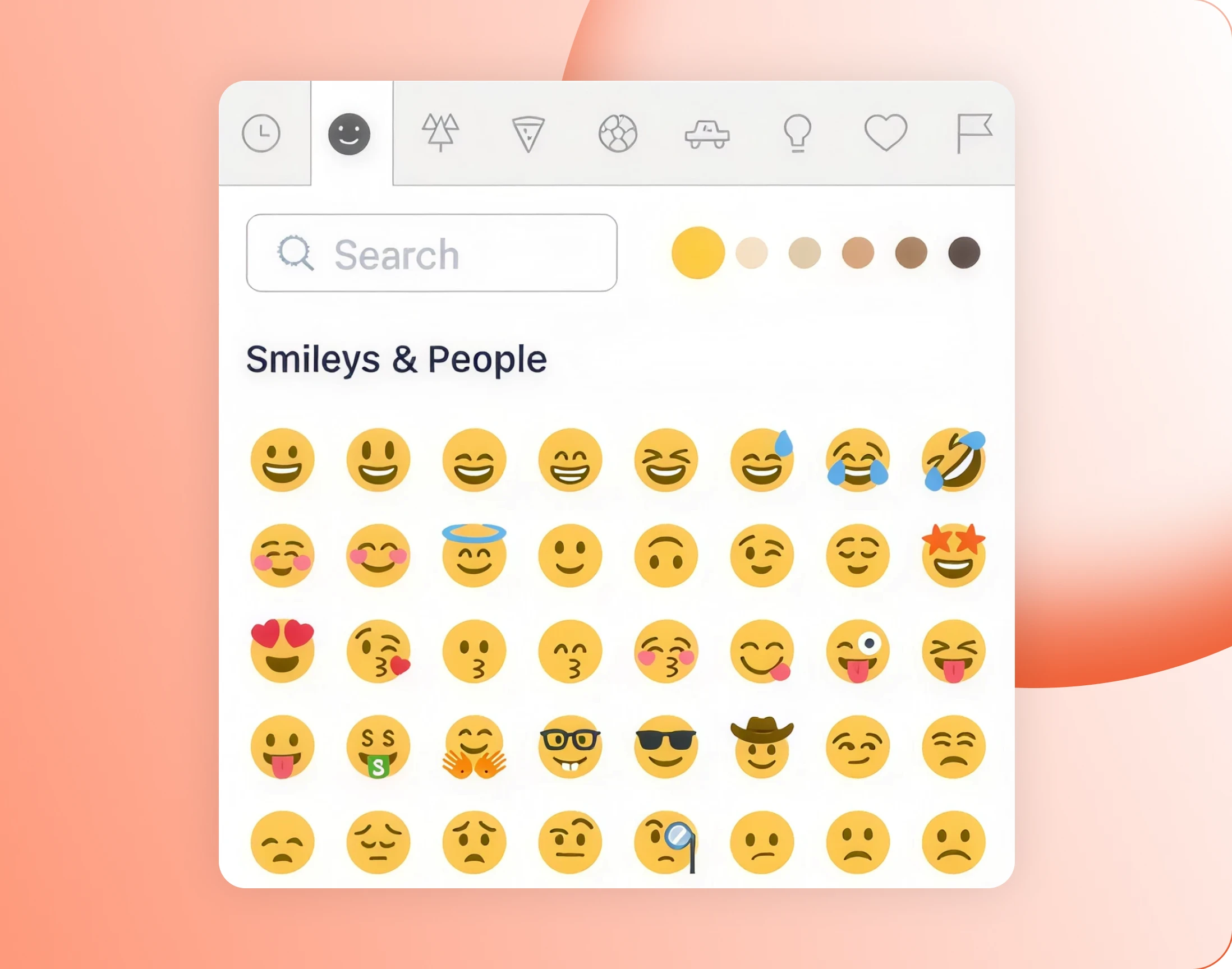
— Emoji
Emoji in posts, replies and messages
The emoji picker sits in every composer, next to the formatting buttons, and you decide which parts of the community get it.

— Animated GIF
The whole GIPHY library in the composer
The GIF button opens a GIPHY search right in the composer. Members find the reaction they wanted and drop it in without leaving the conversation.
Wondering how it compares?
See BuddyBoss next to Mighty Networks, Kajabi, Teachable, Thinkific and BuddyPress, feature by feature.
— security & access —
Fast for members, locked for everyone else
— Media Access
Decide who can upload, per media type
Photos, video and documents each carry their own permission, set by role or profile type. Administrators are never affected, and neither is media posted inside a group.
- Upload Photos: choose the roles and profile types that may post images
- Upload Videos: keep video to the members you trust with the bandwidth
- Upload Documents: decide who can attach files at all
— Symbolic Link
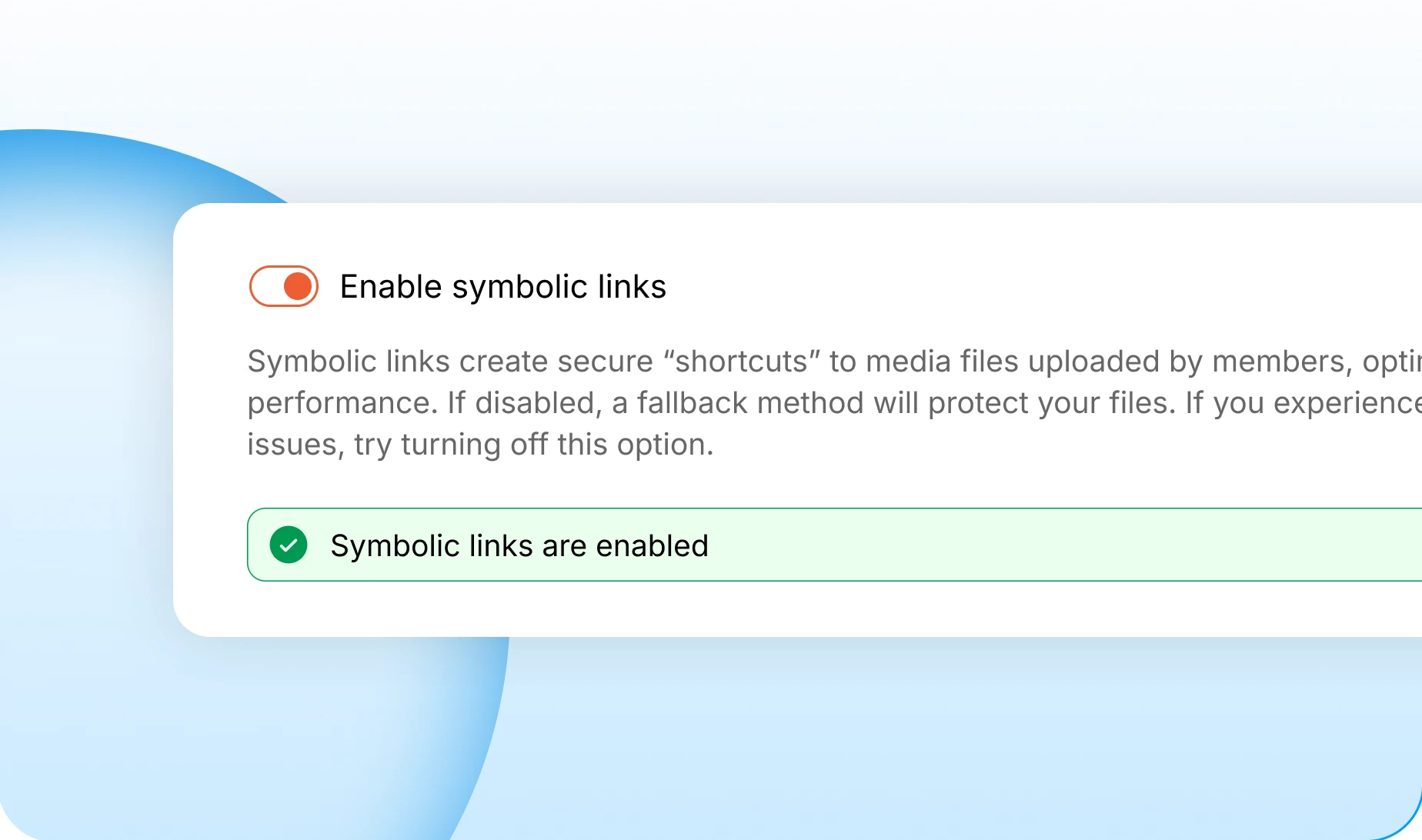
Secure shortcuts for fast media
Symbolic links let your server hand over member uploads quickly without exposing where they sit. Turn them off and a slower fallback protects the files instead.
— Direct Links
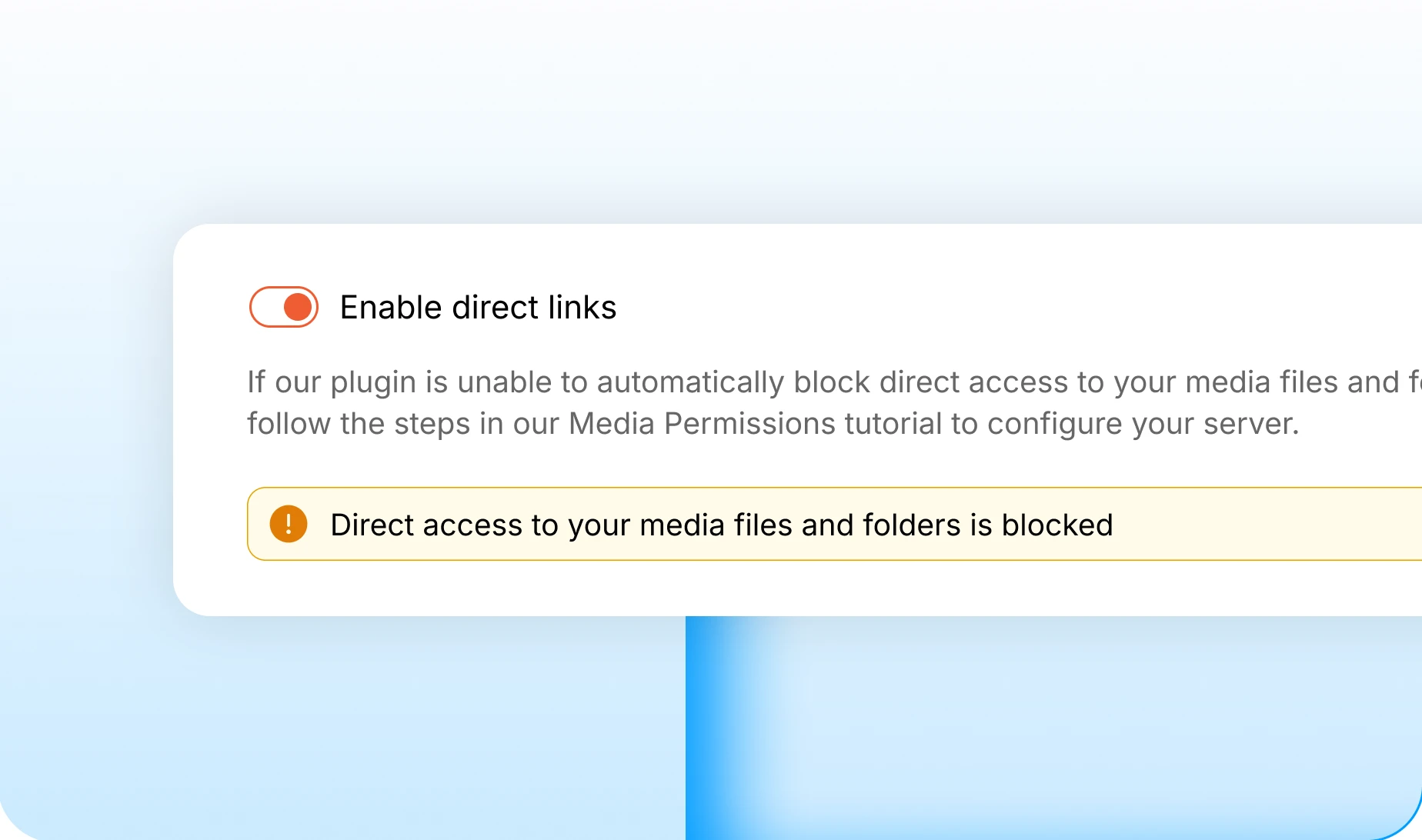
Direct access, blocked by default
Nobody reaches a member’s file by guessing its URL. The admin tells you in plain words whether your server is blocking direct access, and how to fix it if not.
Trusted by more than 20,000 communities with 800+ reviews
Let your community show, not just tell
Half of what members want to say is a photo, a clip or a file. Let them post it where the conversation already is.
Explore more feature modules
Activity Feed
One feed that keeps your whole community talking, with polls, pins and comments.
Member Profiles
Every member gets a page worth visiting, with their own timeline and connections.
Messaging
The same photos, video and files, sent privately to one member instead of the whole feed.