














Beaver Builder is a flexible drag-and-drop page builder plugin for WordPress. It lets you easily build beautiful, responsive and professional WordPress pages in minutes without any coding knowledge.
The FREE plugin features include:
- Content Modules: HTML, Photo, Text Editor, Audio, Video, & Sidebar
- Full-width, column-based layouts
- Lightweight and semantic markup for maximum performance
- Photo, color, and video row backgrounds
- Mobile-friendly, responsive layouts
- Add your own CSS classes and IDs
- Use WordPress Widgets and shortcodes
- Works with Pages, Posts, and Custom Post Types
The Premium version features include:
- Additional modules: Contact Form, Tabs, Slider, Pricing Table, Map, Blog Posts, Subscribe Form, Social Icons, and many more.
- Expert support from our world-class support team.
- Beautiful pre-made layout templates.
- Save, export, and reuse full-page layouts, rows, and modules.
- Build your own custom modules.
The integration works with the BuddyBoss theme and supports most of the templates and blocks in the Beaver Builder plugin.
Installing the plugin
To install the plugin:
- Download the LITE Beaver Builder from the link below
https://wordpress.org/plugins/beaver-builder-lite-version/ OR
Buy and download the Pro version of Beaver Builder plugin from the link below
https://www.wpbeaverbuilder.com/pricing/ - Extract the downloaded bb-plugin-standard.zip file to the WordPress plugins folder yourhostname/wordpress/wp-content/plugins OR
Go to your WordPress Dashboard > Plugins > Add New. Click the Upload Plugin button. Browse to the download file location, select the bb-plugin-standard.zip & install the plugin. - Click the Activate Plugin button to activate the Beaver Builder Plugin on your website. OR
To activate the plugin on your website site go to WordPress Dashboard > Plugins and then click the Activate button for Beaver Builder Plugin.
Using the Beaver Builder Plugin
To create a new page with the Beaver Builder plugin:
- Go to WordPress Dashboard > Pages > Add New to create a page. Add a title for the page and then click the Launch Beaver Builder button to open the Live Editor.
- Click the + (Add Elements) button and drag-and-drop the preferred elements on the page.
- Add the content and make changes to the element settings as preferred and then click the Done button.
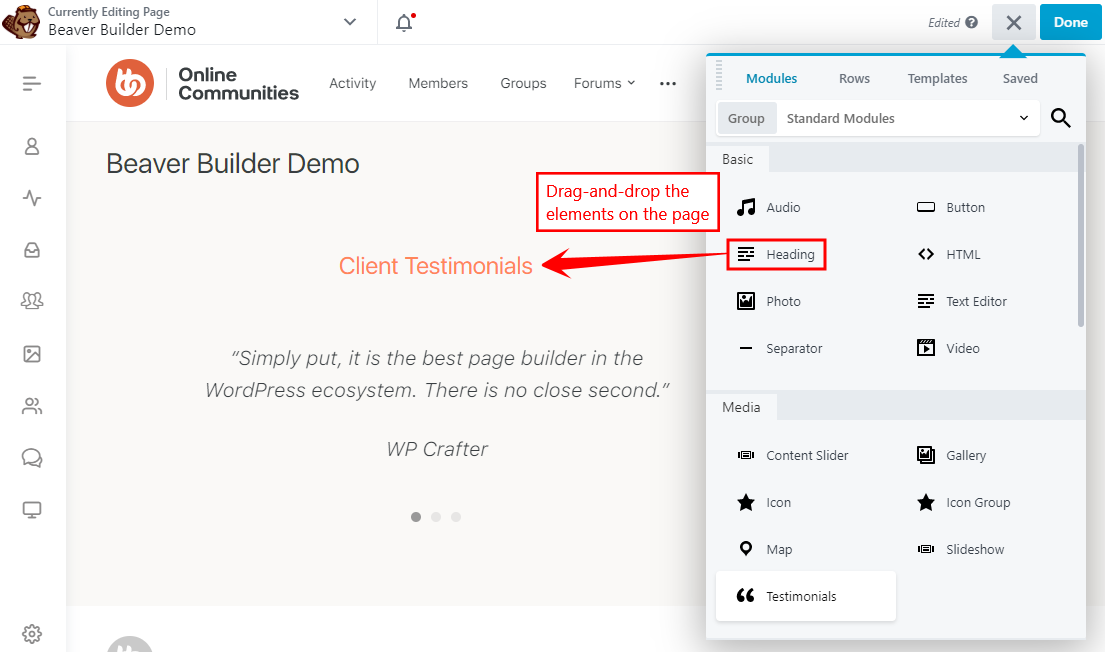
- Add the content and make changes to the element settings as preferred and then click the Publish button.
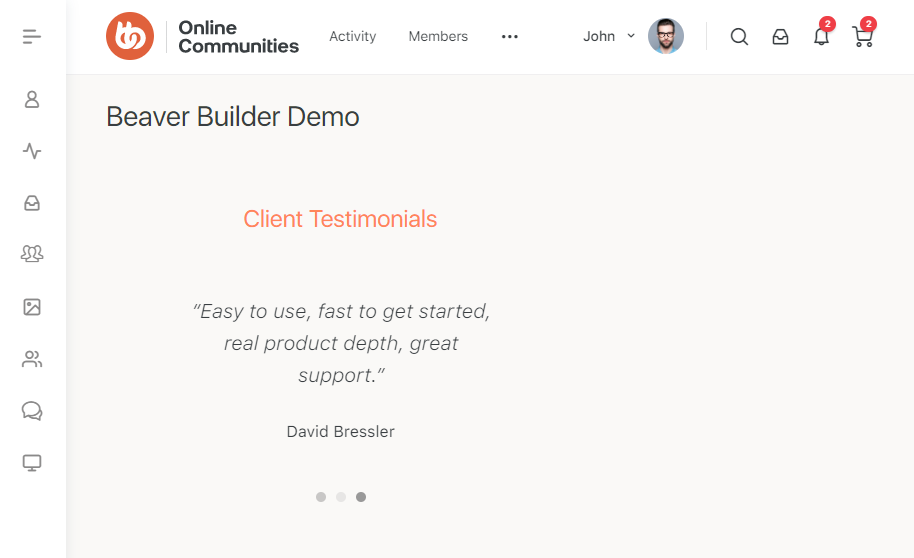
You may use the BuddyBoss Platform with Beaver Builder plugin to create visually appealing community websites in minutes.
For further setup and usage tutorials, refer to the official documentation of Beaver Builder.