
REQUIRES: PRO PLAN OR HIGHER • Last updated: Mar 12, 2026 • ~3 min read
The Account Deletion setting controls whether members are allowed to permanently delete their own accounts from your BuddyBoss community. This setting is found in the User Settings section and can be enabled or disabled based on your community’s policy. This manual walks you through the setting and what it does.
Tutorial Video
Accessing Account Deletion Settings
To access this setting, navigate to your WordPress Dashboard, go to BuddyBoss > Settings > Member Profiles, click Profile Name, then scroll to the User Settings section.
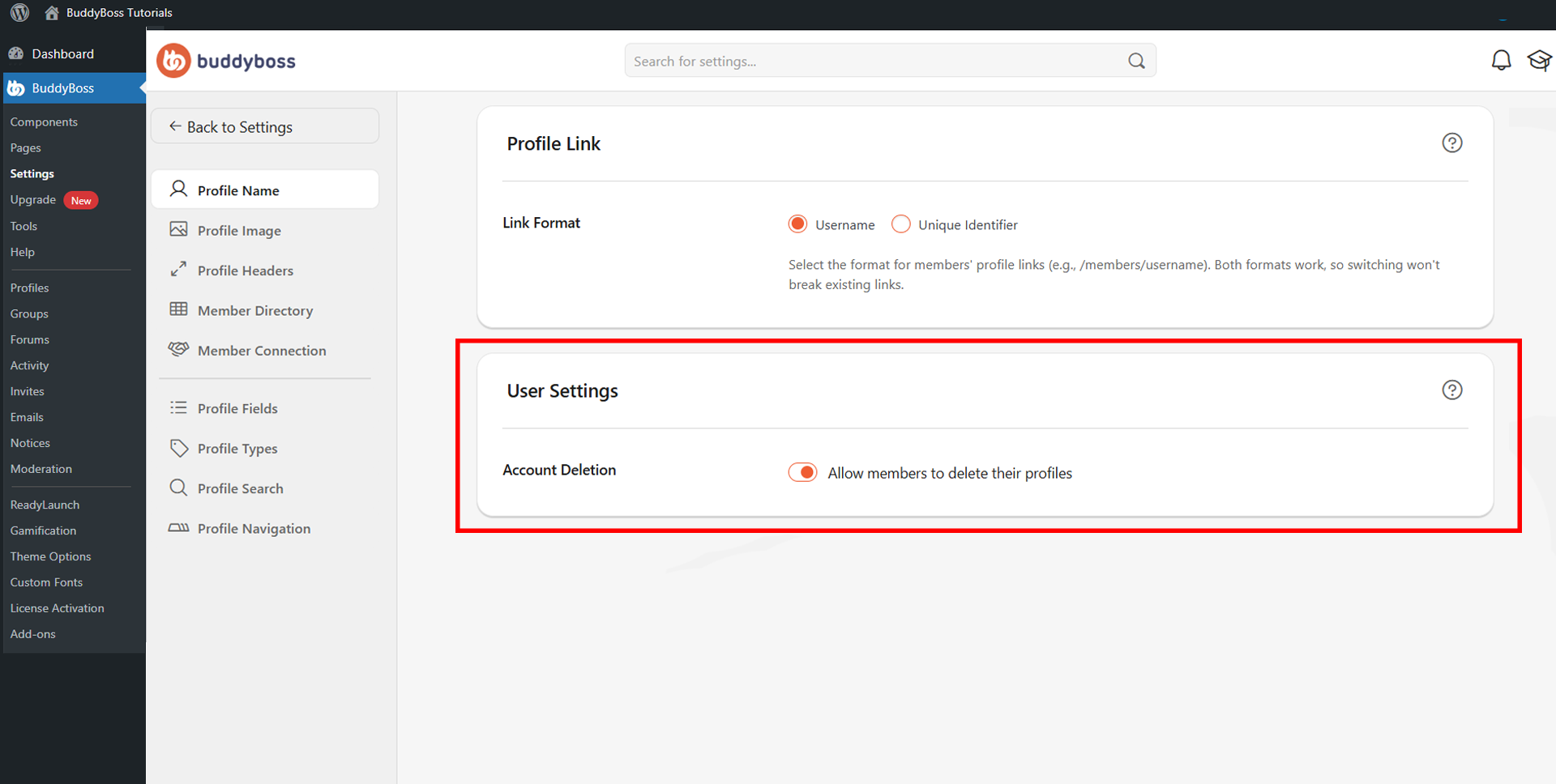
Allow Members to Delete Their Accounts
The Allow members to delete their own accounts toggle determines whether members can permanently remove their account from your community.
When enabled, members will see a delete option within their profile settings. When disabled, only site administrators can remove accounts. Toggle the setting according to your community’s policy.
Note: Account deletion is permanent and cannot be undone. Enabling this option gives members full control over their data but removes their profile, content, and activity from your community entirely.oss displays a social preview card showing how your content will look when shared publicly, including the Open Graph image, site title, description, and shared URL.
© 2026 BuddyBoss LLC. All Rights Reserved. | buddyboss.com