
REQUIRES: PRO PLAN OR HIGHER • Last updated: Mar 12, 2026 • ~3 min read
The Forum Settings control how members interact within discussion forums. You can set a time limit on post editing, require a delay between submissions to reduce spam, and enable threaded replies for better conversation structure. This manual walks you through each setting.
Tutorial Video
Accessing Forum Settings
To access these settings, navigate to your WordPress Dashboard, go to BuddyBoss > Settings > Forum Discussions, then click Forum Settings from the left menu.
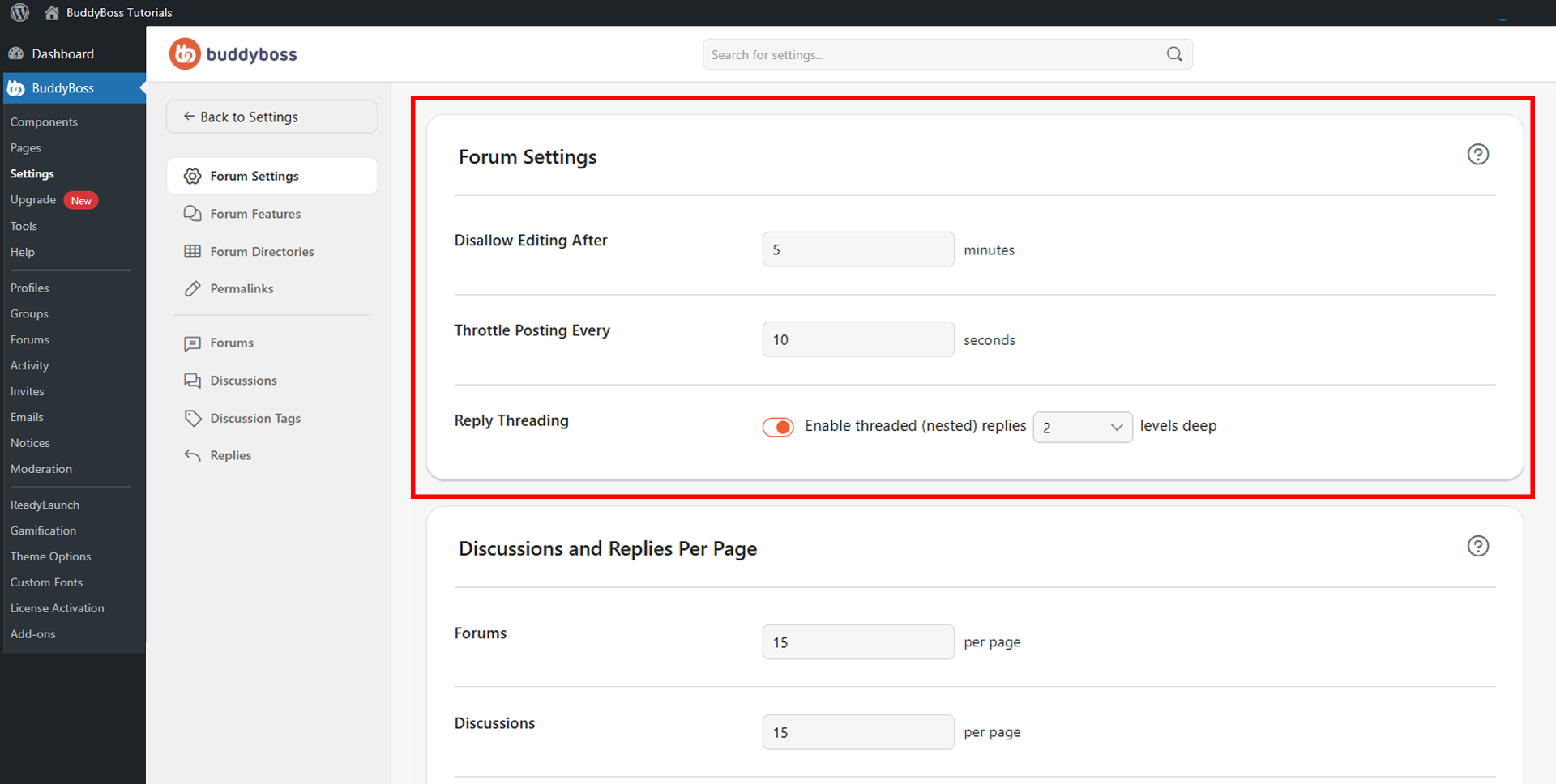
Forum Settings
The following settings are available to configure:
- Disallow Editing After: Enter the number of minutes members are allowed to edit their forum replies after posting. Once this window expires, the post is locked from further edits, helping maintain content integrity and moderation consistency.
- Throttle Posting Every: Enter the number of seconds members must wait before they can post again. This reduces spam, accidental duplicate posts, and excessive rapid submissions.
- Reply Threading: Enable threaded (nested) replies to allow members to reply directly to specific comments rather than to the thread as a whole. Use the dropdown to set how many levels deep replies can nest. Threaded replies are especially useful for large, active forums with many participants.
© 2026 BuddyBoss LLC. All Rights Reserved. | buddyboss.com