
Last updated: Mar 12, 2026 • ~2 min read
The Site Name setting defines the primary title of your website. It appears in browser tabs, search engine results, and various areas across your site header and branding. Updating it in BuddyBoss updates it site-wide, keeping it synced with your WordPress site title.
Tutorial Video
Updating the Site Name
To update the site name, navigate to your WordPress Dashboard, go to BuddyBoss Dashboard > Settings > Appearance > General, then scroll to the Site Name field.
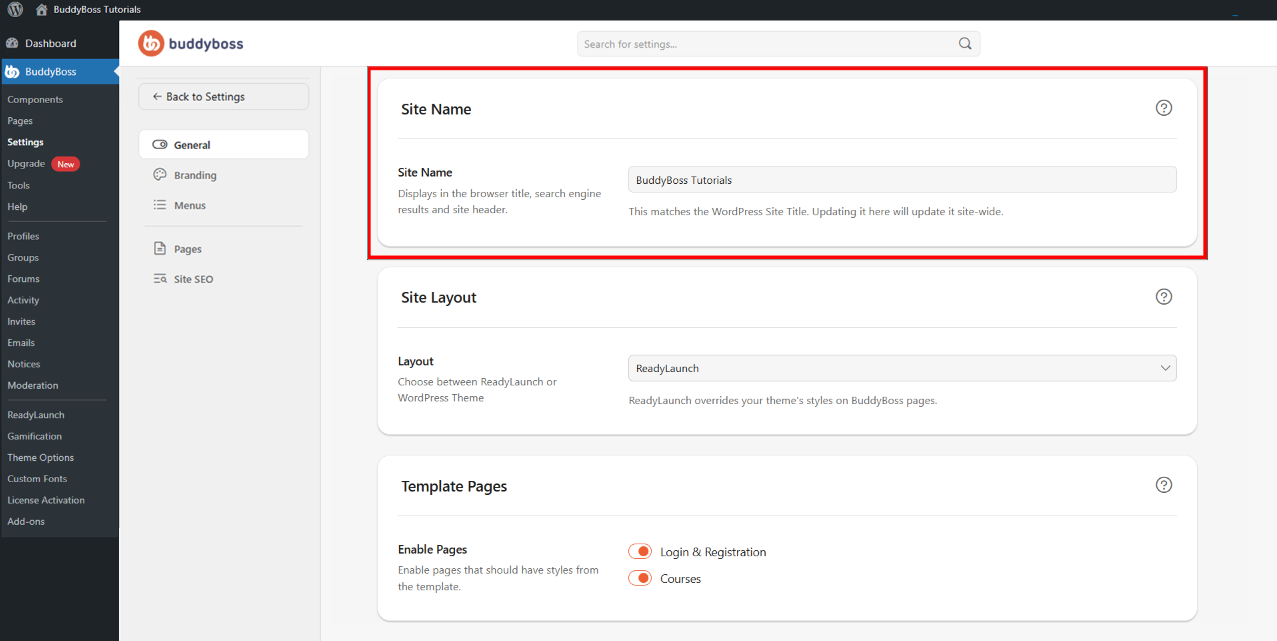
Enter your preferred website name and save. The name you enter will appear in browser tab titles, search engine results, site headers, and general branding across your community.
© 2026 BuddyBoss LLC. All Rights Reserved. | buddyboss.com