
Last updated: Mar 12, 2026 • ~3 min read
The Template Sidebar Widgets settings control which widgets appear in key areas of your community – including the Activity Feed, Member Profile, and Group pages. This manual walks you through enabling and disabling widgets for each area.
Tutorial Video
Accessing Template Sidebar Widget Settings
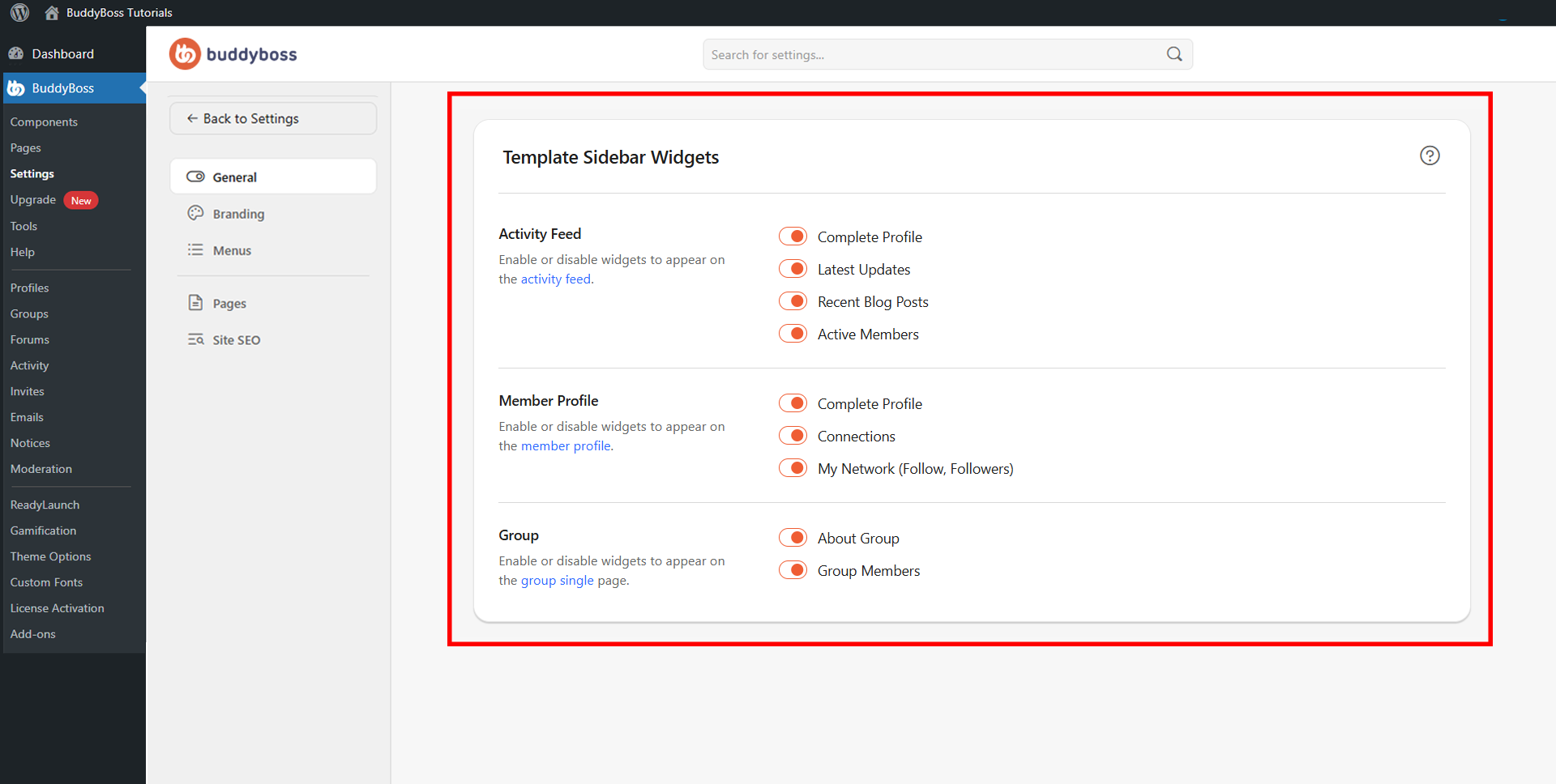
To access these settings, navigate to your WordPress Dashboard, go to BuddyBoss > Settings > Appearance > General, then scroll to the Template Sidebar Widgets section.
Activity Feed Widgets
The Activity Feed section controls which widgets are shown in the sidebar of the main activity feed page. Toggle each on or off as needed:
- Complete Profile
- Latest Updates
- Recent Blog Posts
- Active Members
Member Profile Widgets
The Member Profile section controls which widgets are displayed in the sidebar on member profile pages:
- Complete Profile
- Connections
- My Network (Follow, Followers)
Group Widgets
The Group section controls which widgets are shown in the sidebar on individual group pages:
- About Group
- Group Members
© 2026 BuddyBoss LLC. All Rights Reserved. | buddyboss.com