
REQUIRES: PRO PLAN OR HIGHER • Last updated: Mar 12, 2026 • ~2 min read
The My Courses Tab setting adds a dedicated Courses tab to member profiles, giving LearnDash learners quick access to their enrolled courses, progress, and earned certificates directly from their profile navigation.
Tutorial Video
Enable the My Courses Tab
Navigate to your WordPress Dashboard, go to BuddyBoss > Settings > Learndash > LearnDash Settings, and locate the Profiles section.
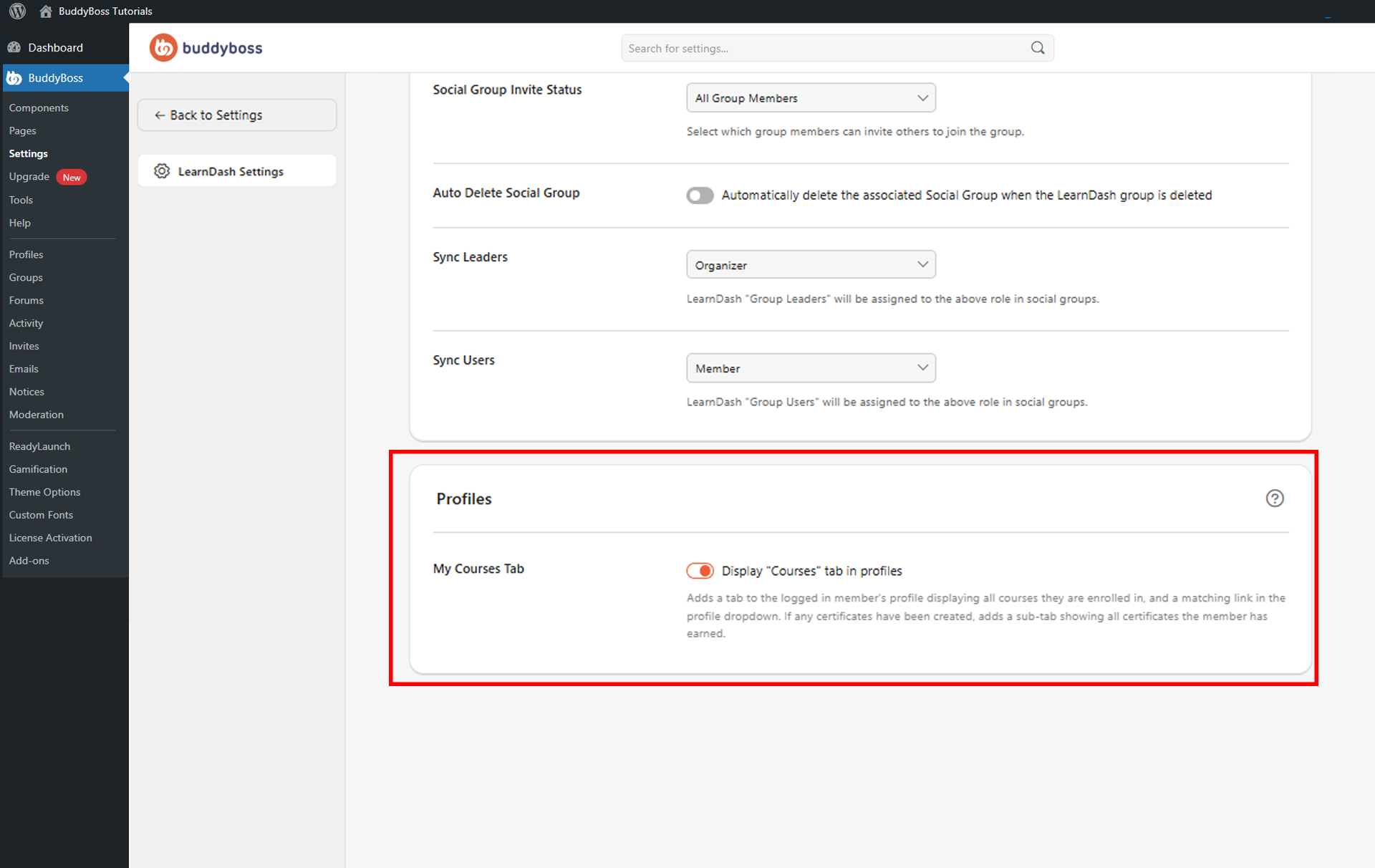
Enable Display “Courses” tab in profiles. Once enabled, logged-in members will see the Courses tab in their profile navigation, where they can view their enrolled courses, progress, and any earned certificates in a dedicated sub-tab.
© 2026 BuddyBoss LLC. All Rights Reserved. | buddyboss.com