














Introduction
If your BuddyBoss message notification badge displays an incorrect count of unread messages, you can repair it using the built-in community repair tool. This guide explains how to reset and recalculate unread message counts so your notification counter reflects the correct number.
Repair Unread Message Counts
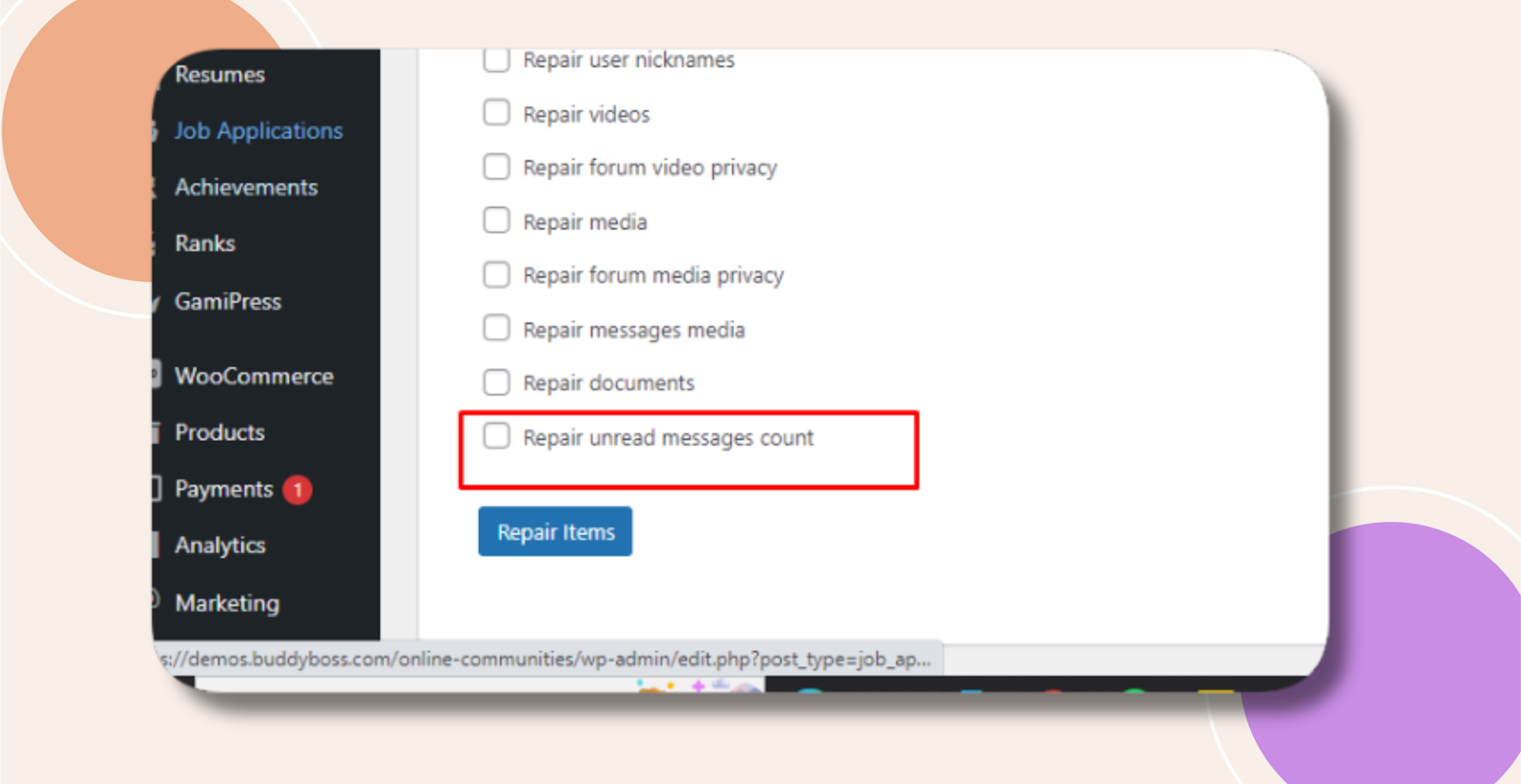
- In your WordPress admin, go to BuddyBoss Dashboard > Tools > Repair Community.
- Find and check the option labeled “Repair Unread Message Counts” (or similar).

- Click Repair Items to start the process.
Troubleshooting and FAQs
Q: The notification count is still wrong after repair—what next?
A:
- Clear any caching layers (object cache, page cache, or CDN) to ensure the updated counts display.
- Log out and back in, or switch to an incognito window to bypass browser caching.
- Re-run the Repair Unread Message Counts option one more time.
Q: Will this affect other activity data?
A: No. The repair operation only targets private message counts. All other activity records remain unchanged.
Q: How often should I run the repair?
A: Typically only when you notice a discrepancy. There’s no need to schedule it regularly unless message counts repeatedly become inaccurate.
Q: Who can perform this repair?
A: Only users with Administrator privileges can access the Repair Community tools.