














Offload Media
Serve your community’s media from Cloudflare
Move images, video and documents off your own server and onto Cloudflare. Pages load faster, your hosting bill stops climbing, and the links still carry your own domain.
— Offload Media
Move the library you already have
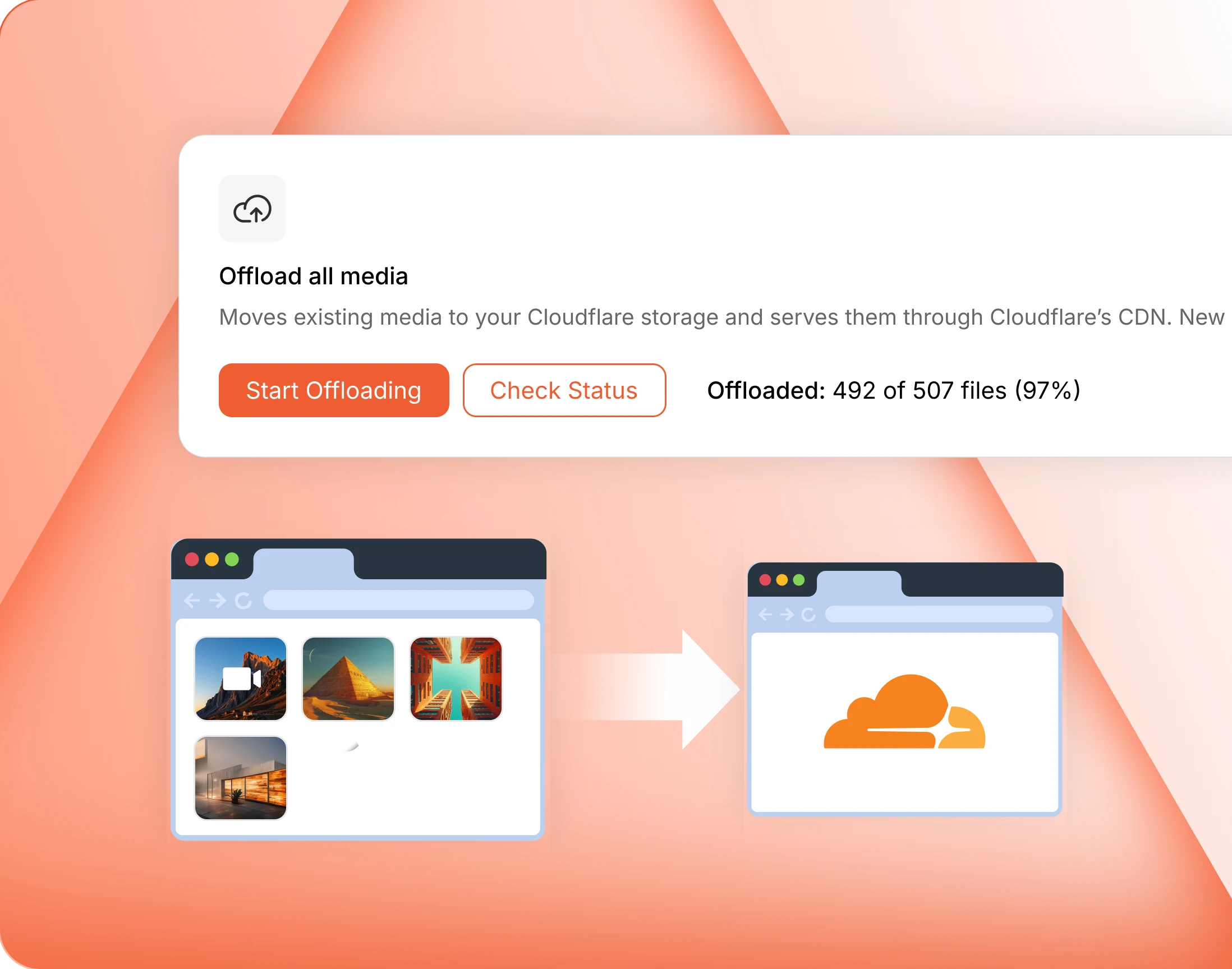
Start offloading and existing media walks across in the background, with a counter you can check. A big library takes a while, and the admin says so before you begin.
— Delete All Local Files
Clear the copies still on your server
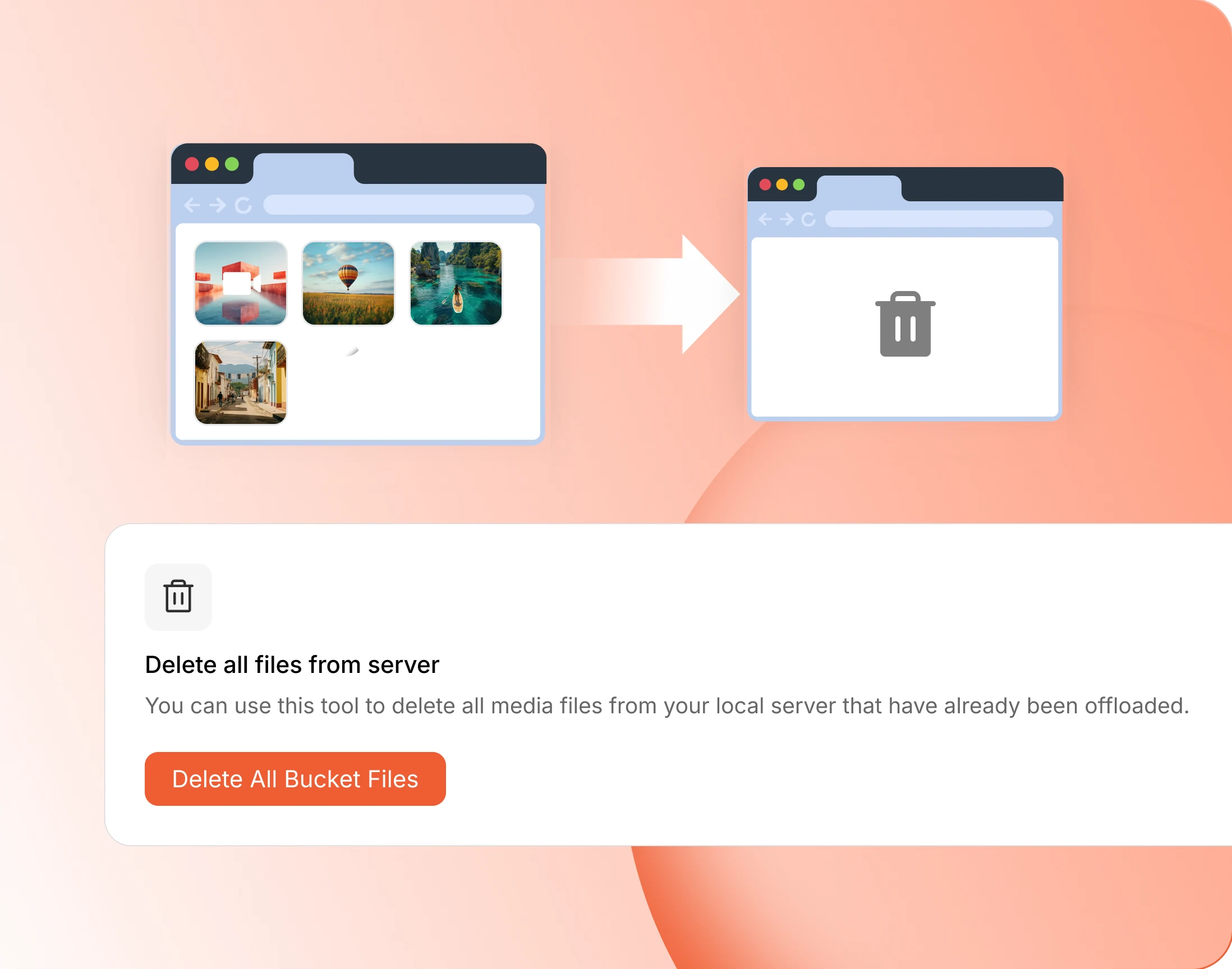
Once media is safely on Cloudflare, clear the local copies and take the space back. It sits behind its own confirmation, and it is worth checking a backup first.
— Download All Files
Pull everything back to the server
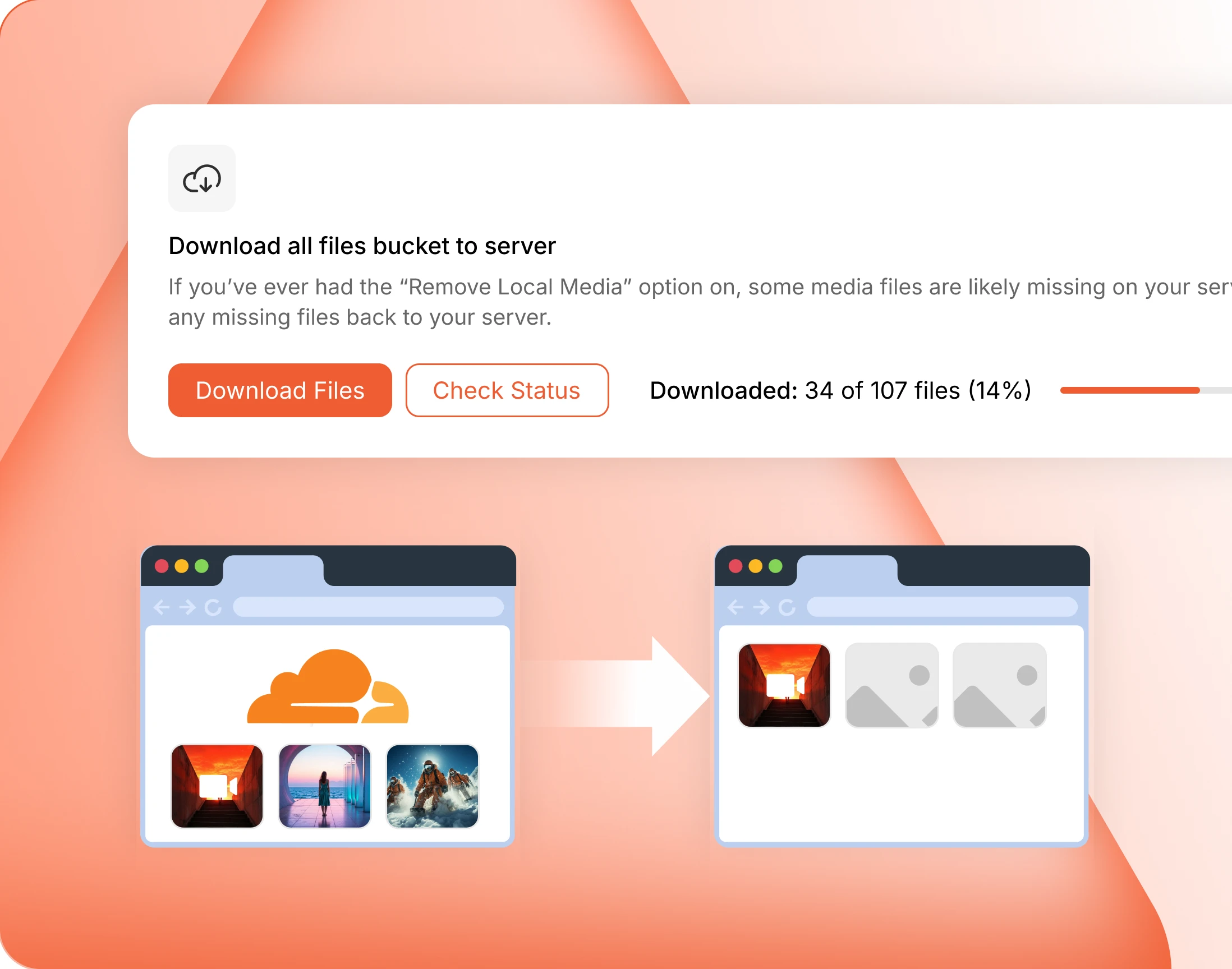
The trip runs both ways. Copy everything back to local storage whenever you want, with the same progress counter. Offloading is not a one-way door.
— Non-compliant Images & Videos
Anything Cloudflare rejects is still kept
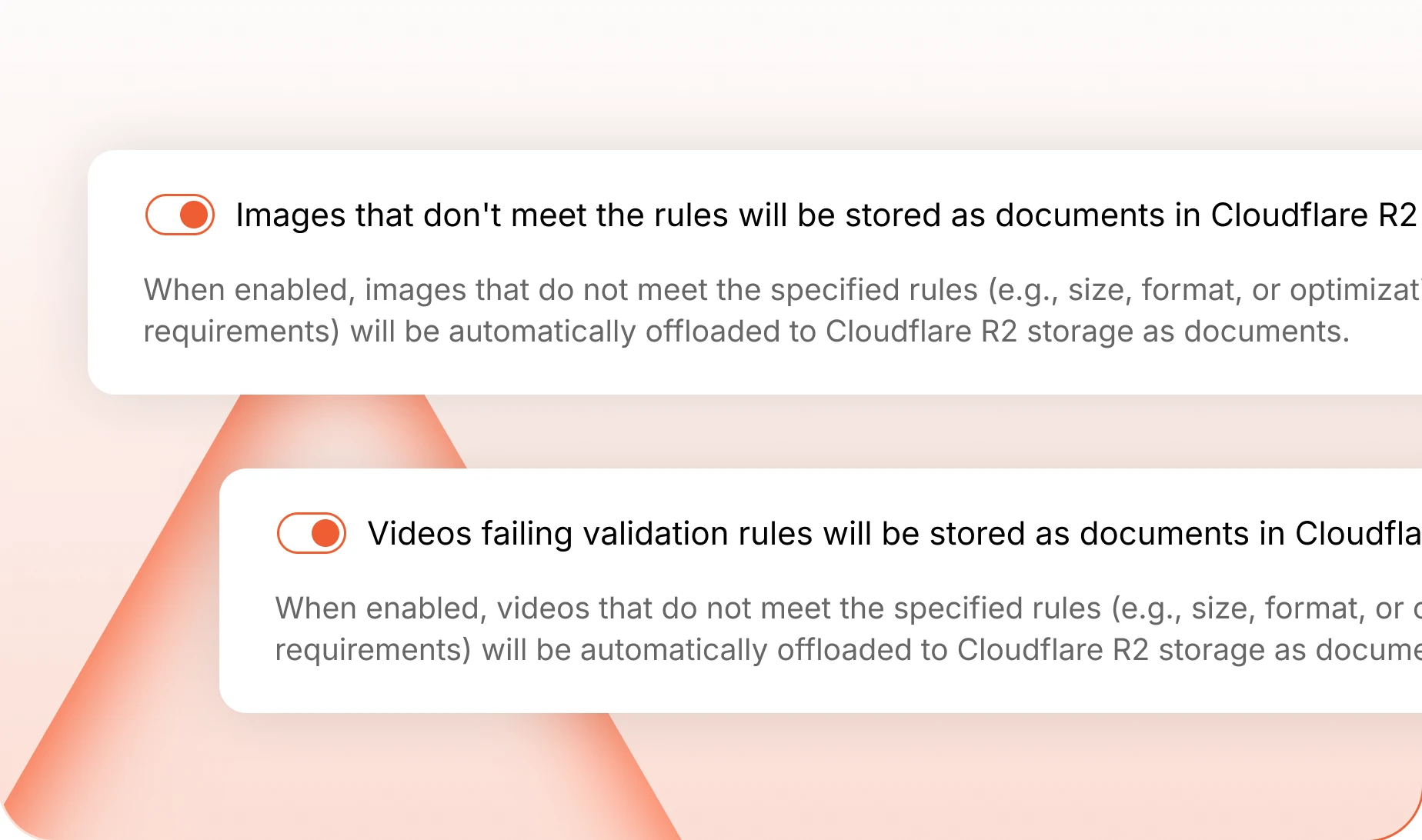
Not every file meets Cloudflare’s rules for images. Switch on offloading to R2 and the awkward ones are stored there as documents instead, so nothing is stranded.
— Image & Video Custom Domain
Serve media from your own subdomain
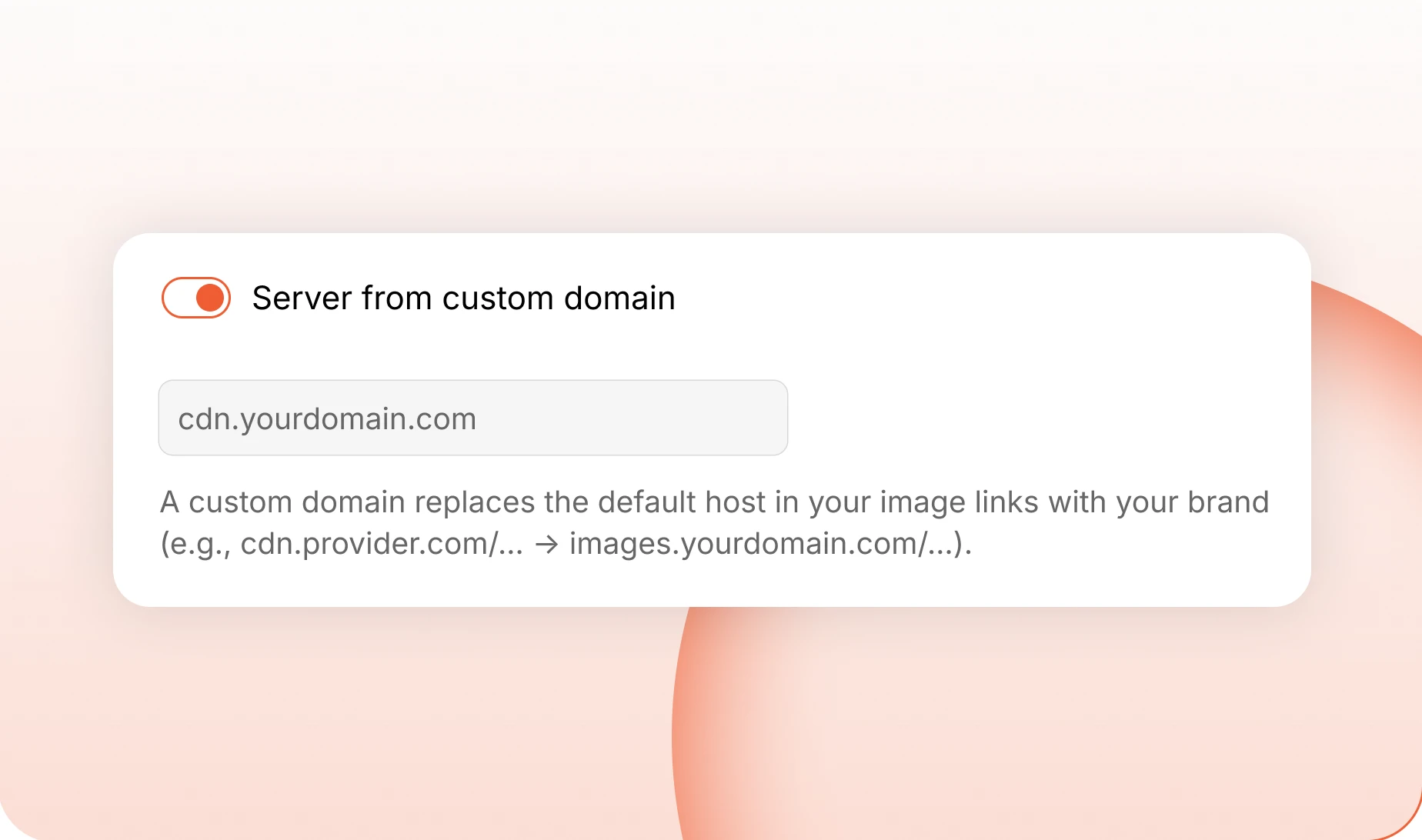
Media can stream from your own subdomain rather than a Cloudflare address, so a video sits at videos.yourdomain.com and the link still looks like it belongs to you.
— Media Types
Pick which libraries are ever in scope
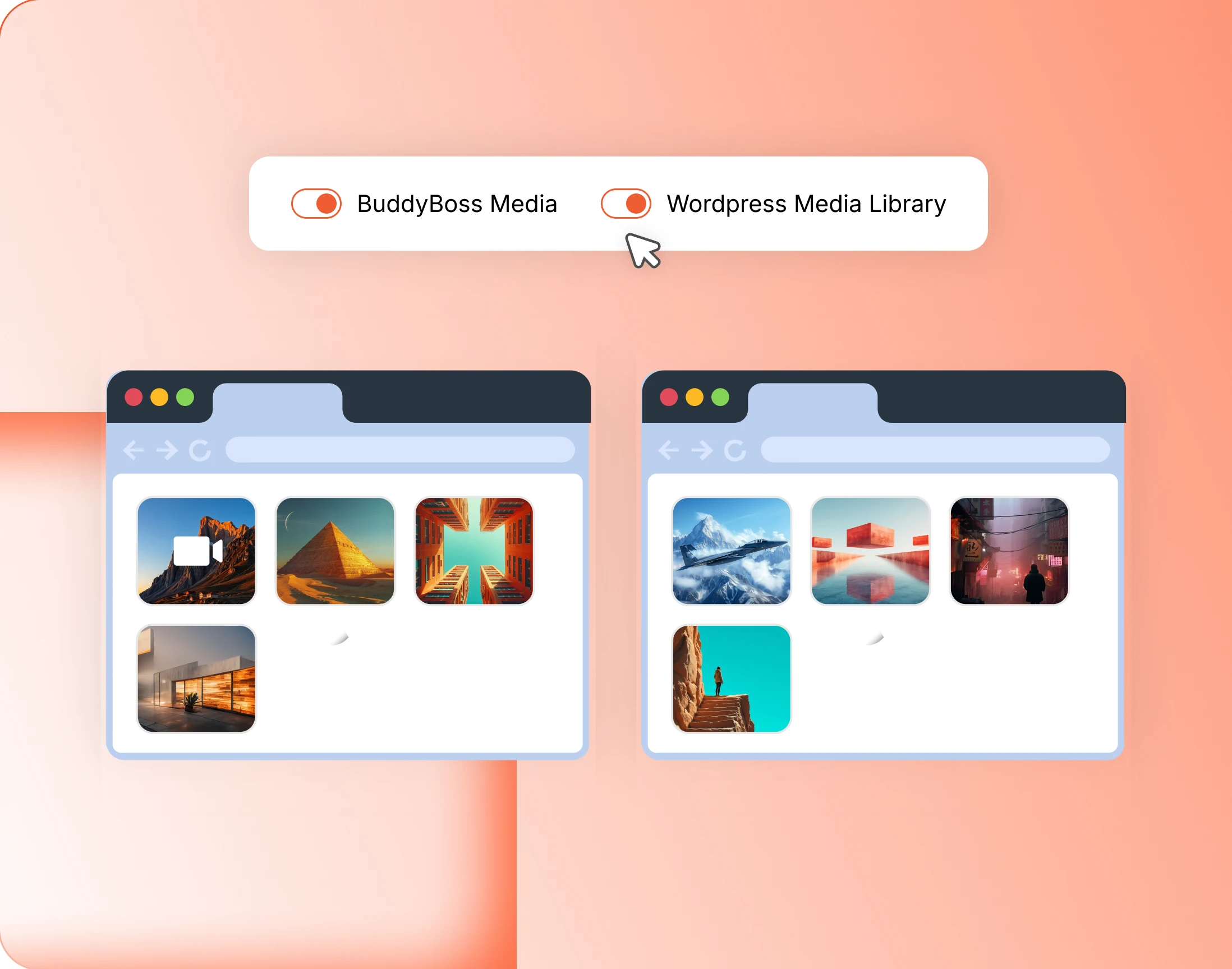
Two switches decide what is eligible at all: the community’s own media, and the WordPress media library. Anything outside them stays exactly where it is.
Trusted by more than 20,000 communities with 800+ reviews
Take the weight off your server
Explore more feature modules
Member Profiles
Every member gets a page worth visiting, with their own timeline and connections.
Groups
Somewhere smaller to belong, with its own feed, its own board and its own members.
Media Uploading
Photos, video, documents and GIFs, shared wherever the conversation is already happening.