














An End User License Agreement (EULA) defines the terms that apply when users access and use your iOS app. To require users to agree to terms EULA, you can configure the License Agreement for your app through App Store Connect.
The License Agreement section allows you to provide the terms you want to apply to your app users. Once configured, save your changes in App Store Connect to apply the agreement to your app.
Configure the License Agreement
- Log in to App Store Connect.
- Select My Apps, then select your app.
- Go to App Information.
- Scroll down to the License Agreement section.
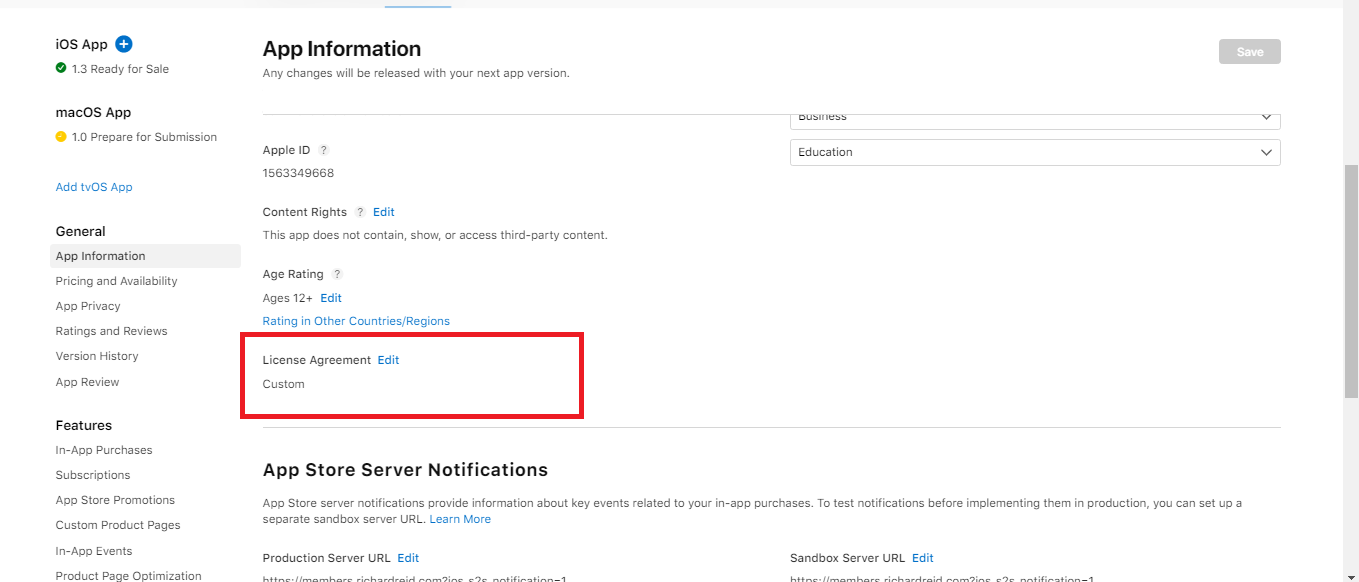
- Enter the required License Agreement information.
- Save your changes.
Make sure the License Agreement section is completed with the terms you want to apply to your app users.