














An Apple Developer account enrolled as an Individual can be changed to an Organization account after you have the required organization information, including a D-U-N-S Number. To switch Apple Developer Account from Individual to Organization, you need to contact Apple Developer Support and request that your membership be updated.
Apple will review the request and may require additional information to verify your organization and your authority to act on its behalf. You can start the process through the Apple Developer account support page.
Request the Account Change
- Go to the Apple Developer Account Support page.
- Locate the section for managing or updating your Apple Developer Program membership.
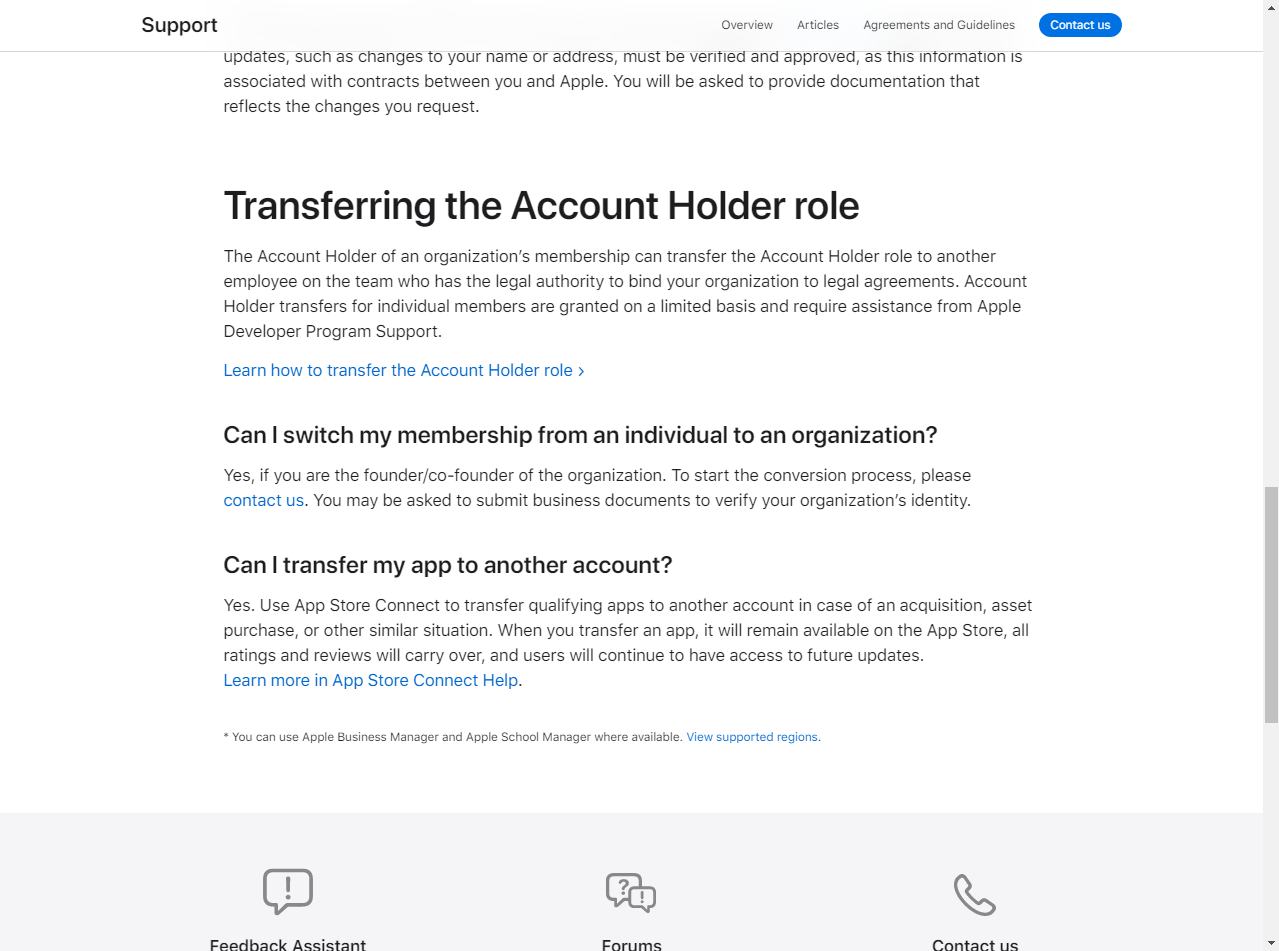
- Submit a request to change your membership from an Individual to an Organization.
- Provide your organization’s D-U-N-S Number and any additional information requested by Apple.
- Follow the instructions provided by Apple Support to complete the verification process.
Apple may request additional business documentation to verify your organization’s identity before approving the change.
Note: After requesting a new D-U-N-S Number, Apple advises allowing up to two business days after receiving it for the information from Dun & Bradstreet to become available to Apple.