














An Android package name mismatch can prevent you from uploading an APK or Android App Bundle (AAB) to your app in Google Play Console. To fix an Android package name mismatch, confirm that the Application ID configured in BuddyBoss exactly matches the package name already registered for your Android app in Google Play Console.
For an existing app, keep the registered package name and existing keystore unchanged. After correcting the Application ID, generate a new Android Release App build and make sure you upload the AAB to the correct app in Google Play Console.
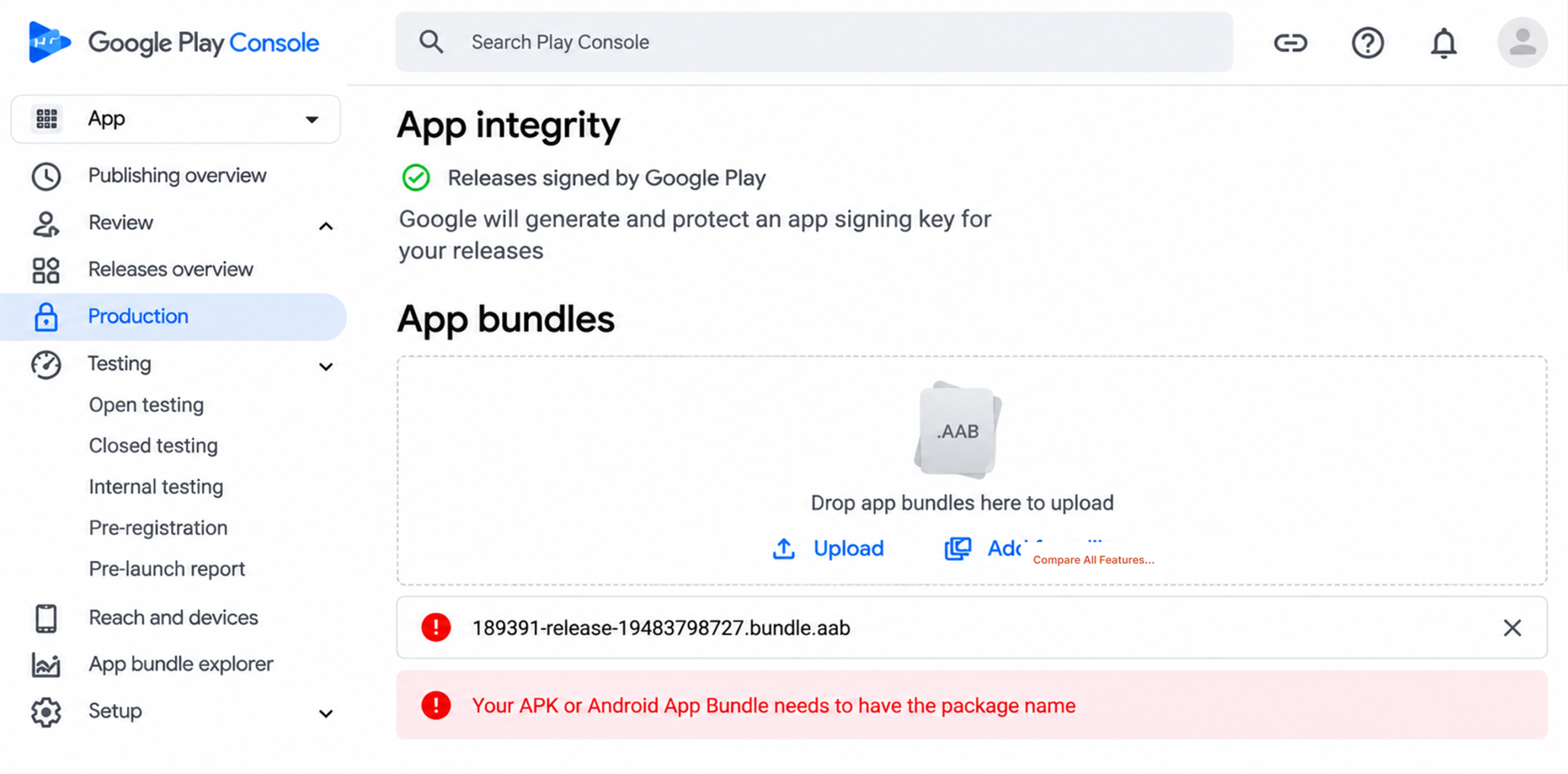
Verify and Update the Application ID
- Check the Google Play Console error and note the package name Google expects for the app.
- In your WordPress Dashboard, navigate to BuddyBoss App > Configure > Android Settings.
- Locate the Application ID setting.
- Confirm that the Application ID exactly matches the package name associated with the app in Google Play Console.
- If it does not match, update the Application ID to the correct package name.
- Save your changes.
- Generate a new Android Release App build.
- Once the build is complete, upload the new AAB to the correct app in Google Play Console.
Important: If this is an existing app, do not change the Application ID to a new or different package name. It must match the package name already registered for that app in Google Play Console.
Do not replace or regenerate your existing keystore as part of this fix. Continue using the signing configuration associated with the existing Android app.
Also make sure you are uploading the AAB to the correct app in Google Play Console. Uploading a build to a different app profile will result in a package name mismatch.