














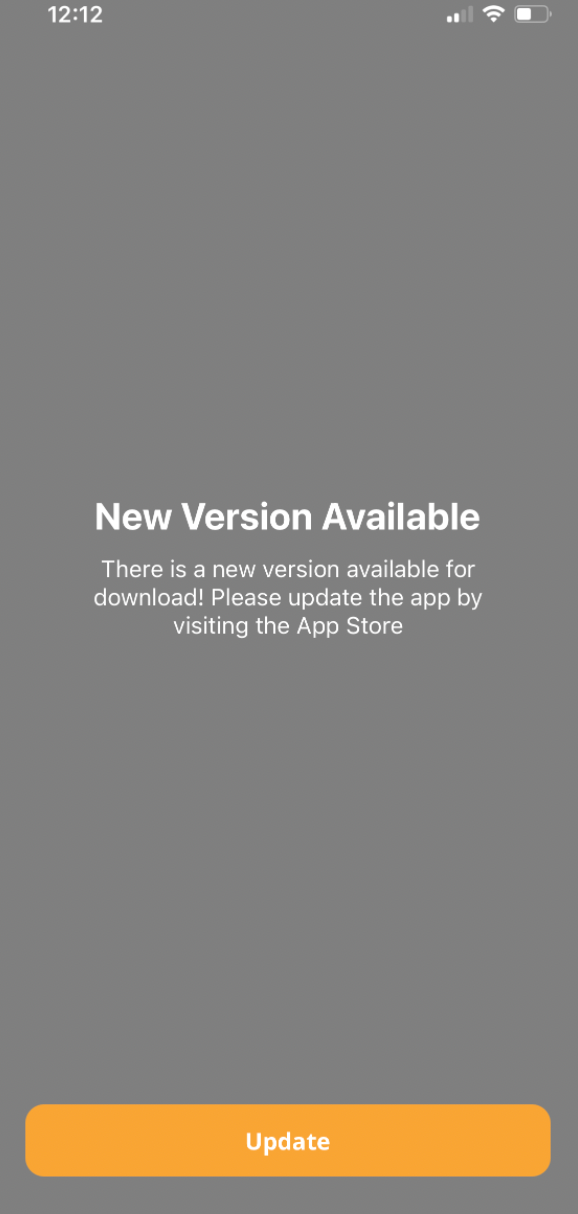
The BuddyBoss App New Version Available Error may appear when the app version installed on a member’s device is older than the Minimum Build Version configured for your app. The Minimum Build Version setting determines the lowest iOS and Android build versions members can use before an update is required.
To resolve the message, you can have members update to a supported version that is already available in the appropriate app store or adjust the Minimum Build Version to continue allowing access from an earlier build.
Check the Minimum Build Version
- Log in to your WordPress Dashboard.
- Navigate to BuddyBoss App > Configure > General.
- Locate the Minimum Build Version settings for iOS and Android.
- Check whether the configured minimum version is higher than the version currently installed on the affected device.
If the installed app is below the configured Minimum Build Version, the member will be prompted to update the app.
Resolve the Message
If you want members to use the latest version of your app, make sure the required version is available in the appropriate app store and ask affected members to update their app.
If you want to continue allowing access from an earlier app version, update the Minimum Build Version to an appropriate build version and save your changes.
Note: Make sure the Minimum Build Version you configure is already available to your members. Setting it higher than the version they currently have access to can prevent them from continuing into the app until a supported version is installed.