














The BuddyBoss App Access Groups allow you to organize members dynamically based on specific conditions, such as their WordPress role, profile type, social group, course enrollment, or membership plan. These groups can then be used with Access Rules to control which app content and areas different members can access.
Depending on the plugins enabled on your website, Access Groups can use conditions from LearnDash and supported membership plugins, including MemberPress, Paid Memberships Pro, WishList Member, WooCommerce Memberships, and Restrict Content Pro.
Make sure you have enabled Access Controls under WordPress Admin Dashboard > BuddyBoss App > Components.
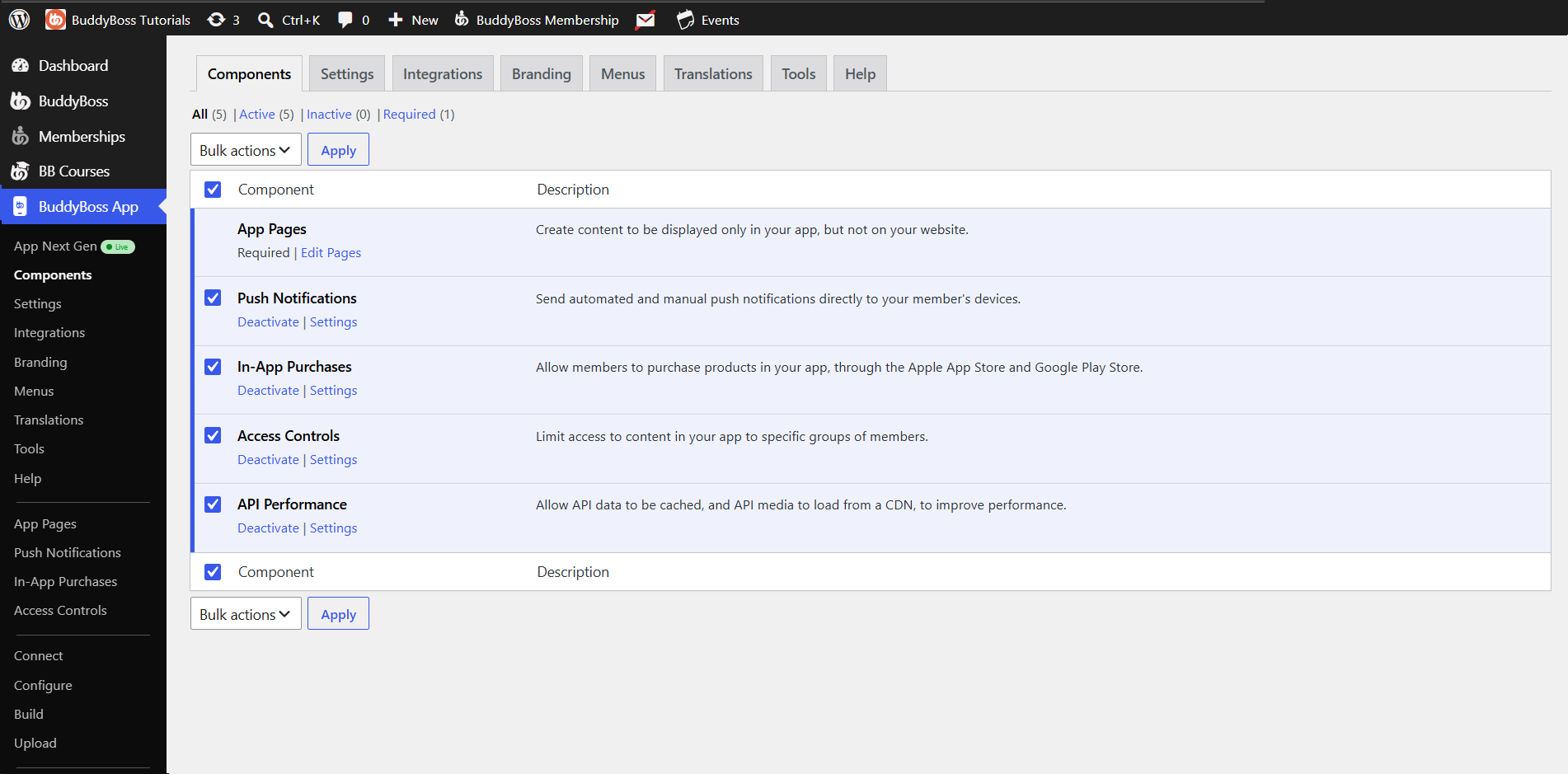
Once activated, you’ll see the Access Controls menu in your admin.
Supported Conditions
Depending on your active plugins, you can build groups around members who meet any of these criteria:
- WordPress Role
- Profile Type
- Social Groups
- LearnDash Courses
- LearnDash Groups
- Membership via:
- MemberPress
- Paid Memberships Pro
- WishList Member
- WooCommerce Memberships
- Restrict Content Pro
Creating an Access Group
- Go to BuddyBoss App > Access Controls in your WordPress admin.
- Click Access Groups.
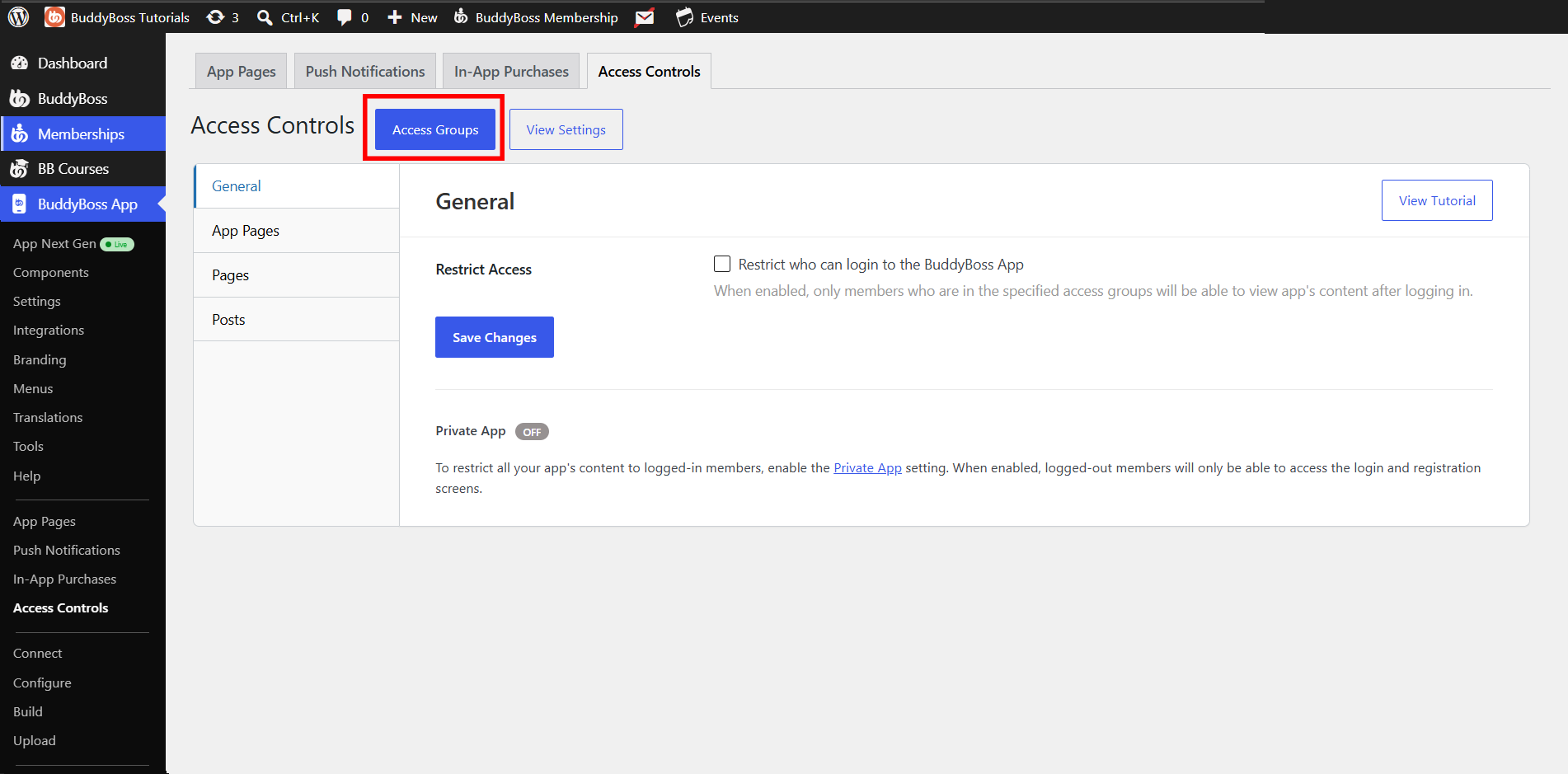
- Click Add Group.
- Choose a Condition Type from the dropdown (e.g., “LearnDash Course”).
- If prompted, select the specific item (e.g., “Advanced CSS”).
- Click Save Group.
Note: BuddyBoss App tallies matching members for each group. If you update your site’s roles, courses, or memberships, hover that group’s name and click Recalculate Members to refresh its count.
Viewing & Managing Group Members
- Recalculate on Demand: Hover a group > Recalculate Members
- Inspect Members: Tools > Recalculate Access Groups > click the member count to see who’s included