











BUDDYBOSS WEB

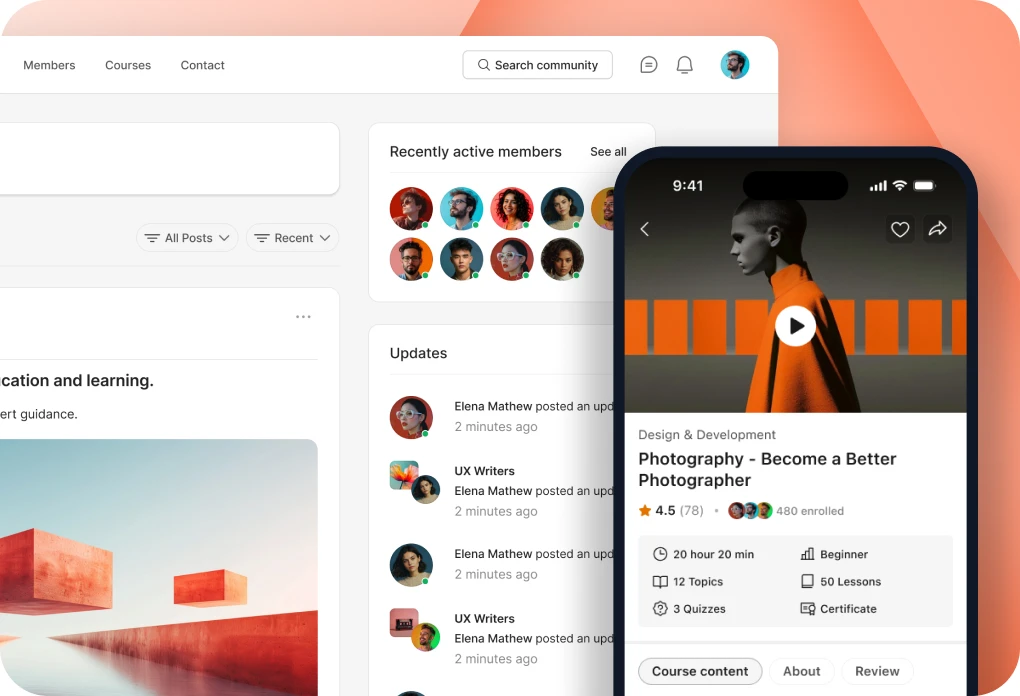
Your community, courses and memberships on your own website.

BUDDYBOSS APP

Your own branded app on iOS and Android.

DONE FOR YOU

We build, launch and run it for you.

BuddyBoss website and mobile app

Web + App Done For You

$4,999 flat

Web Scale + Done For You Web

App Launch + Done For You App

PRICING

Web Pricing

Launch, Scale and Done For You Web.

From

$199

first year

App Pricing

Solo, Launch and Done For You App.

From

$499

first year

SITE + APP

Web + App Done For You

Your site and your app, built and run for you.

$4,999

flat, never rises

How to Enable Access Controls in Your BuddyBoss App

Updated

The BuddyBoss App Access Controls feature allows you to restrict access to specific app content based on profile types, course enrollments, membership plans, or custom rules. To enable Access Controls in your BuddyBoss App, you can activate the component through your WordPress Dashboard.

Once enabled, you can configure access restrictions to control which members can view specific content within your mobile app.

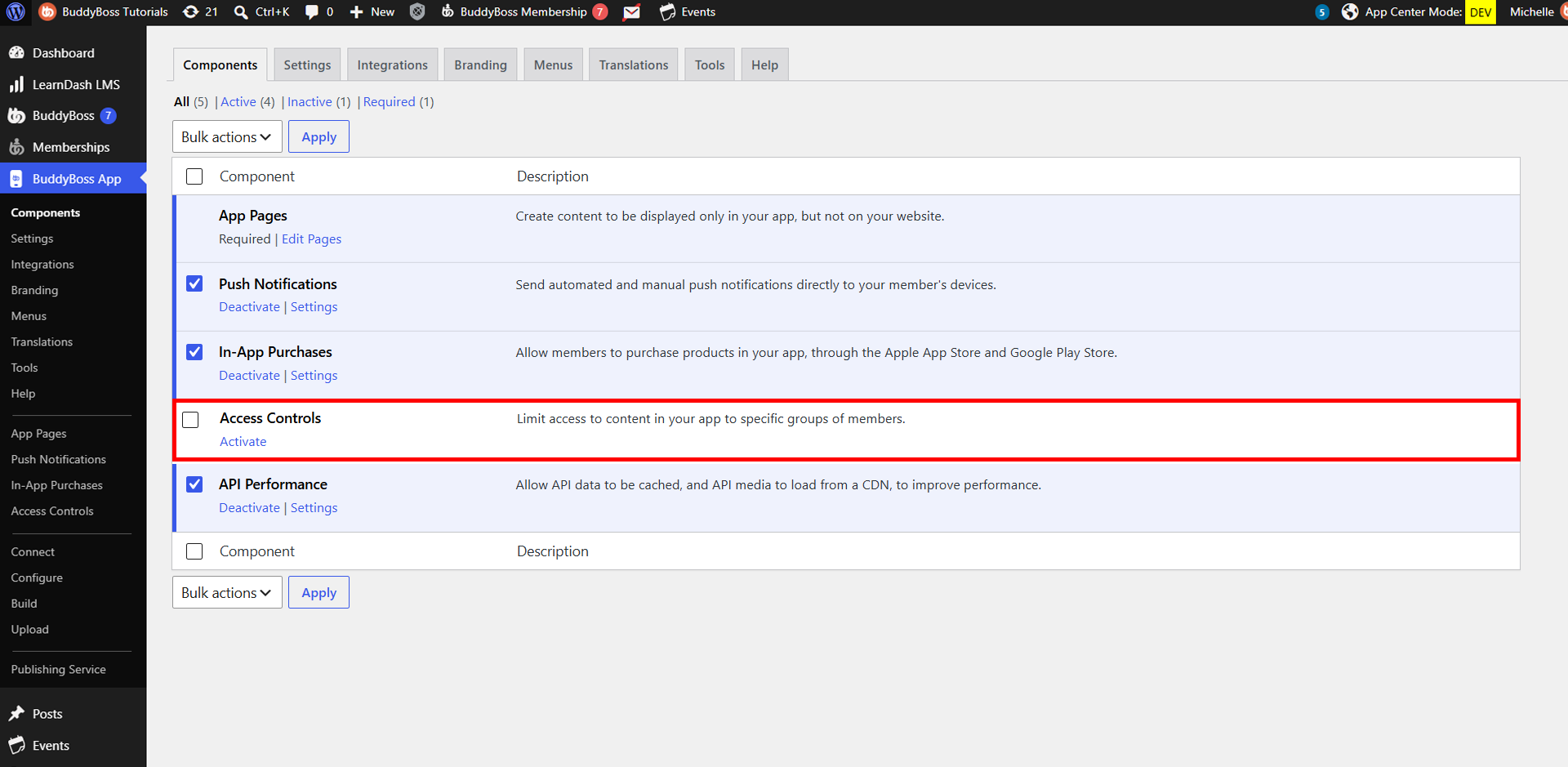
  1. Go to WordPress Admin Dashboard > BuddyBoss App > Components.
  2. Click Activate under the Access Controls Component.
Note: If you previously used “Require Purchase” to gate content, you’ll be prompted to migrate your settings. Follow our Require Purchase > Access Controls migration guide before proceeding.

Was this article helpful?

Subscribe to Our Newsletter

This field is for validation purposes and should be left unchanged.
This field is hidden when viewing the form

Can’t find the answer you’re looking for?

Our support team is here to help with anything the docs don’t cover.