














The BuddyBoss App Maintenance Mode allows you to temporarily restrict access to your mobile app while performing updates, migrations, or other maintenance. When enabled, members see a branded maintenance screen instead of accessing app content or submitting new activity.
The maintenance screen uses your app branding and displays a customizable message to let members know that the app is temporarily unavailable.
Enabling Maintenance Mode
- Go to BuddyBoss App > Configure > General, then locate the Maintenance Mode section.
- Check Enable Maintenance Mode.
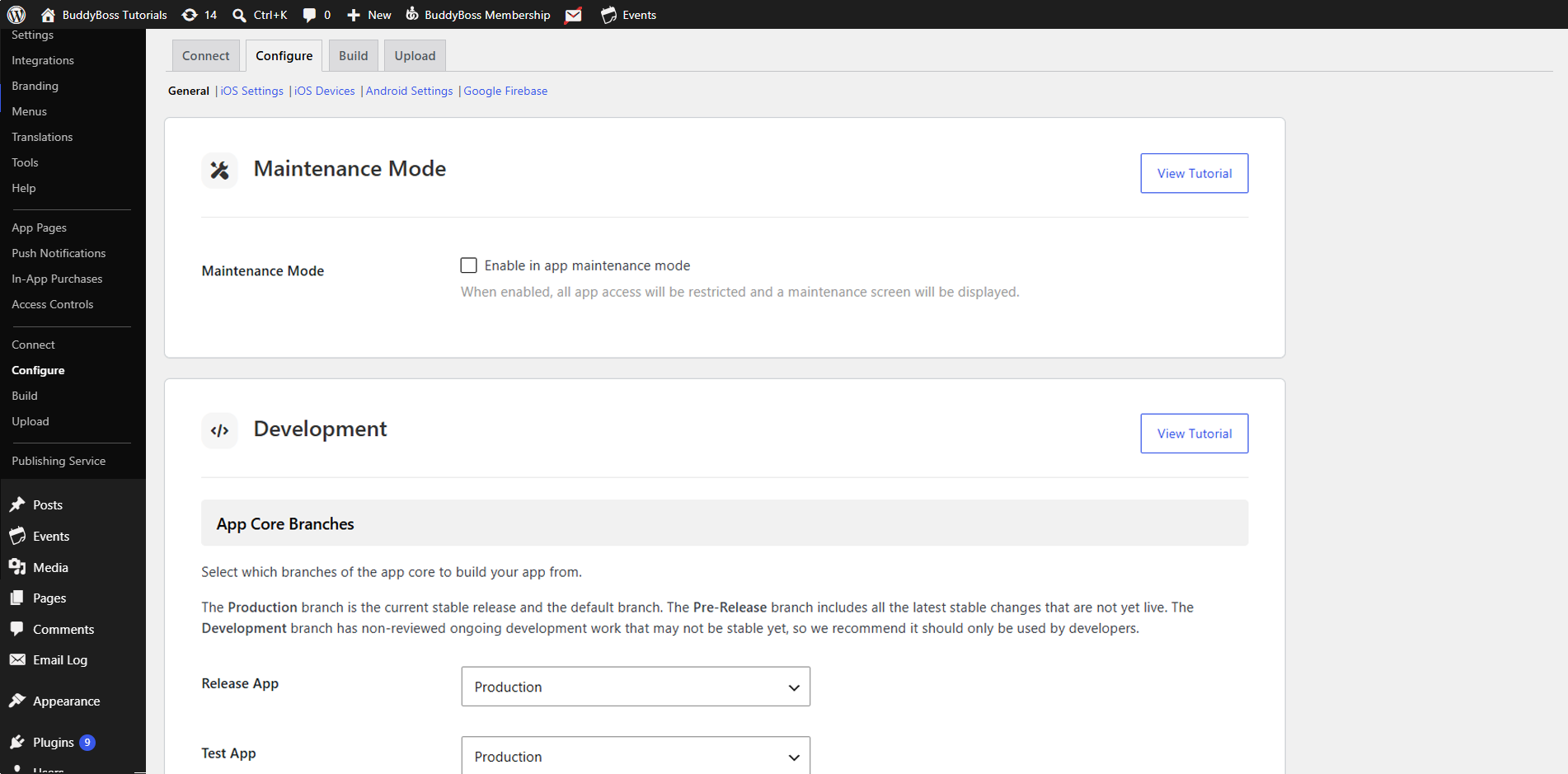
- Click Save Changes.
Note: This setting only blocks the app. To restrict web traffic too, enable Maintenance Mode under BuddyBoss > Theme Options > Maintenance Mode.
What Your Users See
When Maintenance Mode is active, opening the app shows:
- App Logo: Pulled from BuddyBoss App > Branding > Logon Screen > Logo
- Background Color: Matches your Branding > General Background Color
- Message: “Maintenance Mode is enabled. Please try again later.” (Translatable under BuddyBoss App > Translations)
As soon as you uncheck Enable Maintenance Mode and users reopen the app, full access returns automatically.