














The BuddyBoss Feature Request allows customers to share ideas for new features or improvements to existing BuddyBoss products. You can submit a feature request to BuddyBoss through the contact form, helping our team understand customer needs and consider suggestions for future product updates.
Submit a Feature Request
- Visit the BuddyBoss Contact Page.
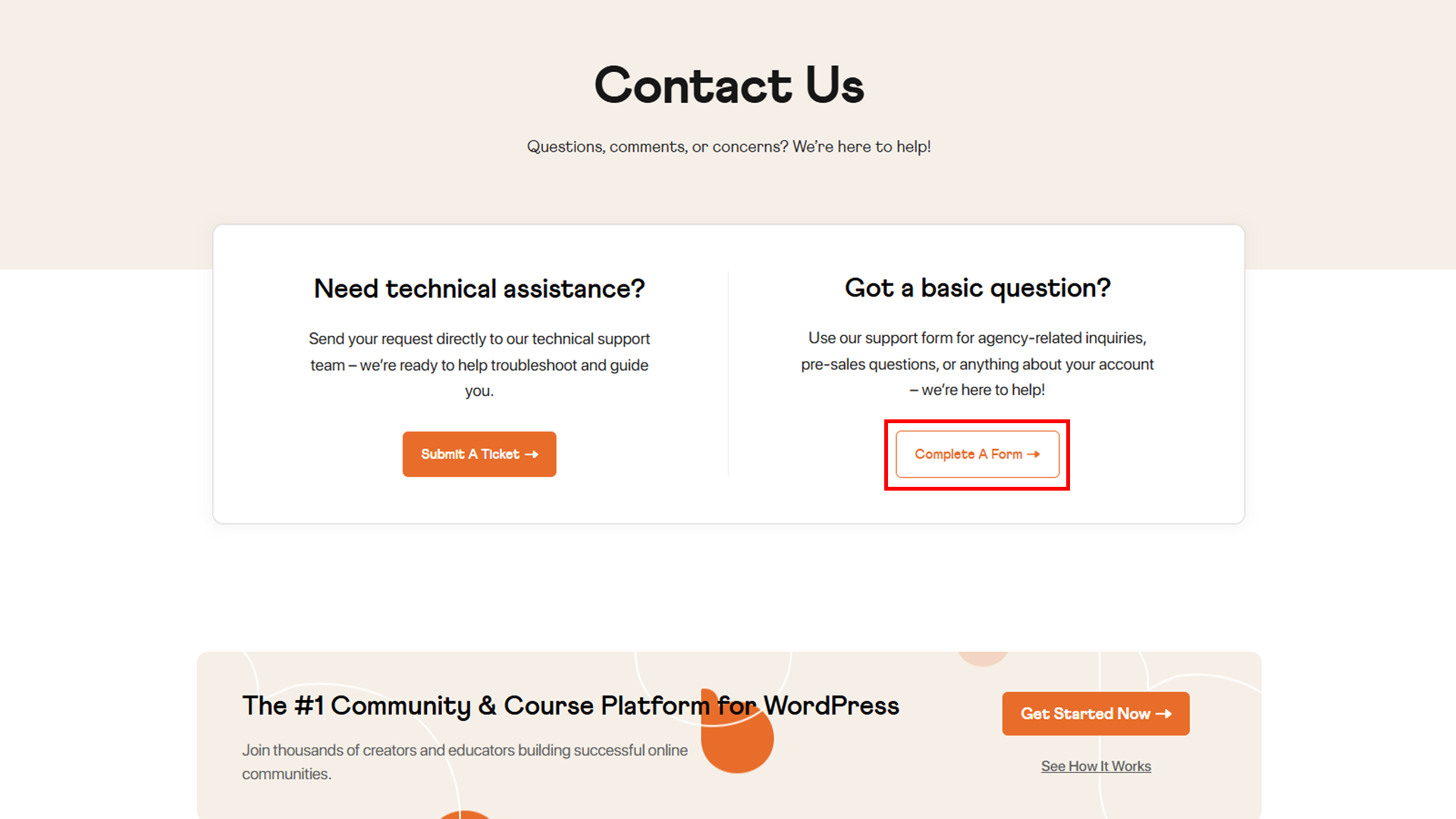
- Under Got a basic question?, click Complete A Form.
- In Which product are you contacting us about?, select Others, pls specify.
- In Specify Other Product, enter the product name, such as BuddyBoss Platform, BuddyBoss Theme, or BuddyBoss App.
- Under What can we help you with?, select Feature request.
- Describe your requested feature, including how you would like it to work.
- Click Submit to send your request.
Once submitted, your feature request will be available for the BuddyBoss team to review and consider for future improvements.
Note: Submitting a feature request does not guarantee that the feature will be implemented or included in an upcoming release.